Category: Green Energy

All forms of Natural Energy like Sunshine and Wind, Ground source energy plus also Battery systems, Energy Storage and Recovery.

  • Installing Third String of Solar Panel up Inside Skylight

    Installing Third String of Solar Panel up Inside Skylight

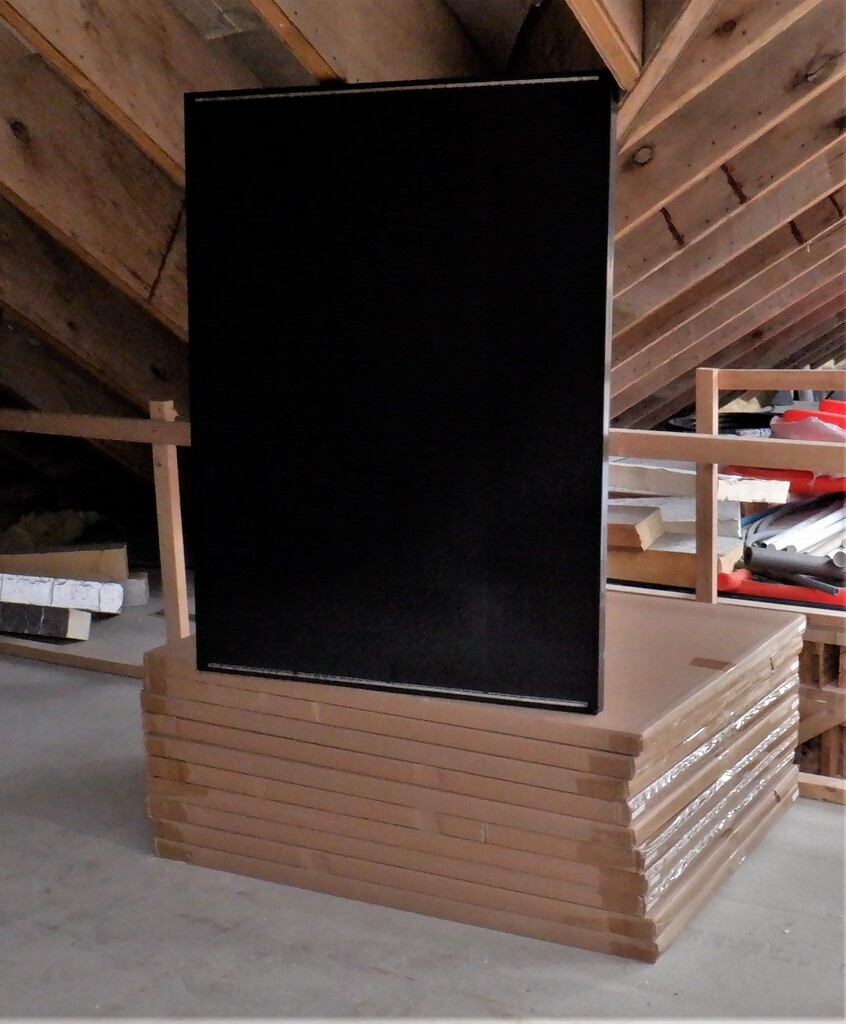
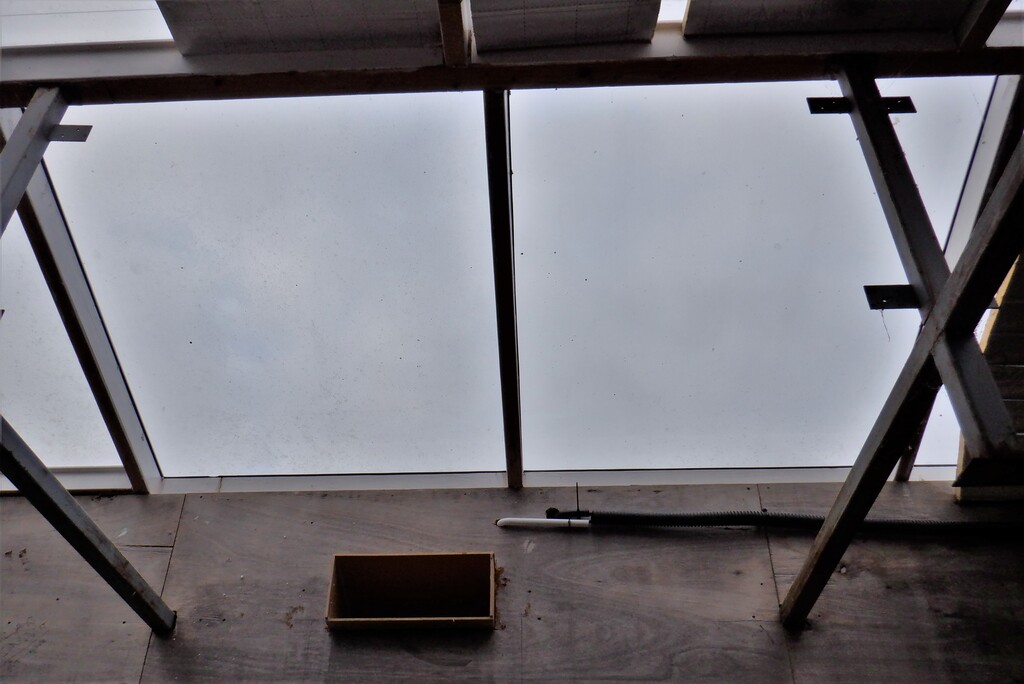
    We started the new week by tackling the next phase of installing our green solar capture schemes, this time, the third string of panels, basically almost square shaped ones, measuring 1200mm by 900mm, small enough to fit up inside our eleven Skylight windows. Each of these windows which we had originally designed 10 years ago, measures 1040mm wide by 1200mm high. We had always intended to have solar electric cells put in these windows. We had originally inteneded to make our own solar panel from individual cells, but we realised that we could buy fully constructed panels for a reasonable price not much more than the raw parts, plus also we would not have to run the risk of not being able to make long lasting and reliable finished modules either.
    The first job was to measure all eleven windows and most of them were 1040mm wide, but one or two were slightly bigger and one or two were even a little bit smaller (measuring 1034mm wide). Then, we thoroughly washed the glass (actually polycarbonate plastic) with warm soapy water with a floor mop! We also washed down the framework too so it is ready for the glue to stick down the CLS timber we are going to apply.
    We then cut twenty-two lengths of 63mm, measuring 1195mm long CLS timber, with a 15degree angled ends and drilled two clearance holes through the wider direction in each piece. We applied a line of glue and proceeded to screw each piece using 100mm 6mm thick screws. This CLS timber will provide the anchorage for holding the actual solar panel themselves in place.
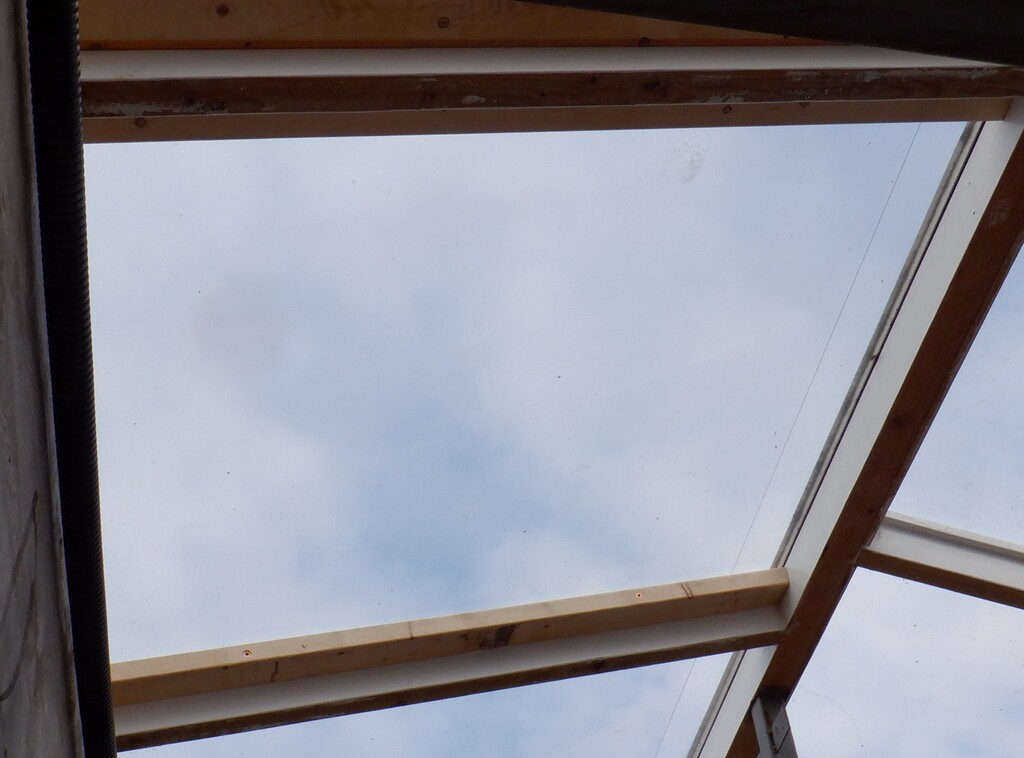
    Installing Third String of Solar Panel up Inside Skylight

    Skylight-solar-panel-frame


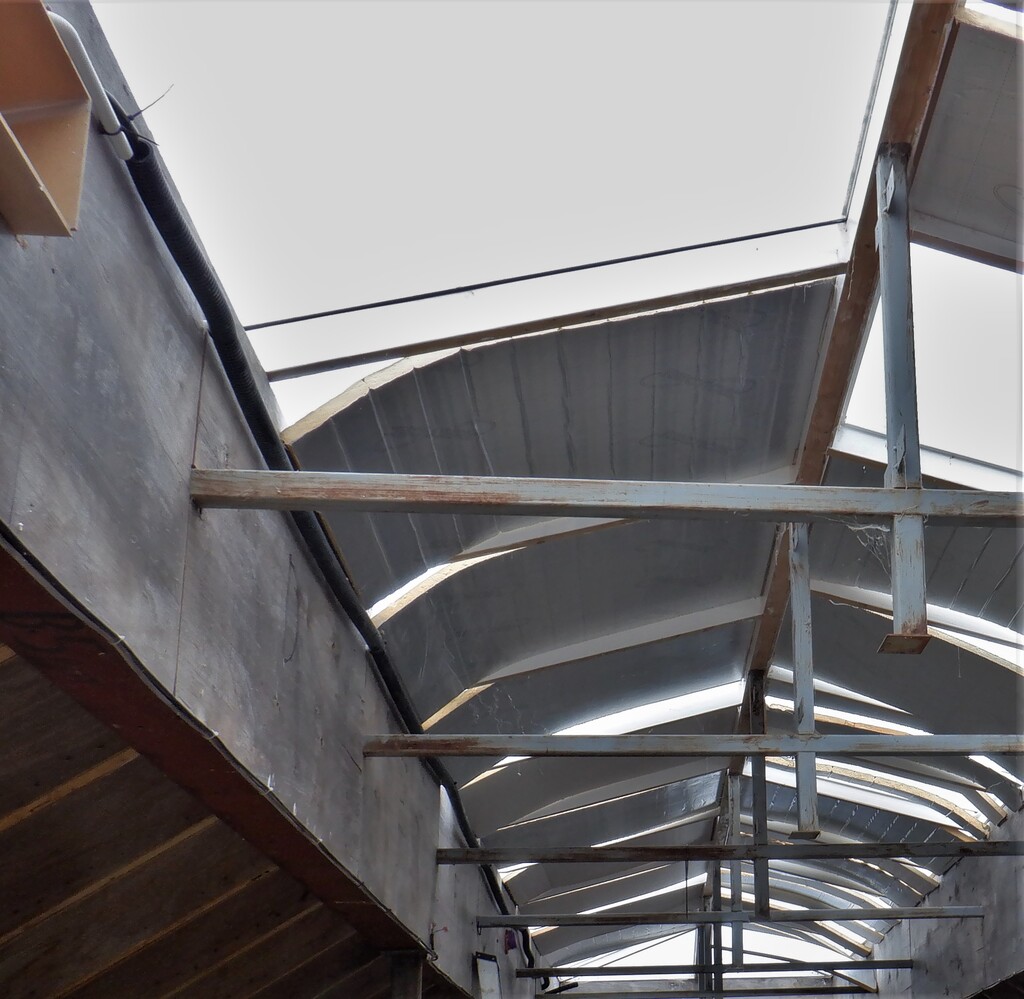
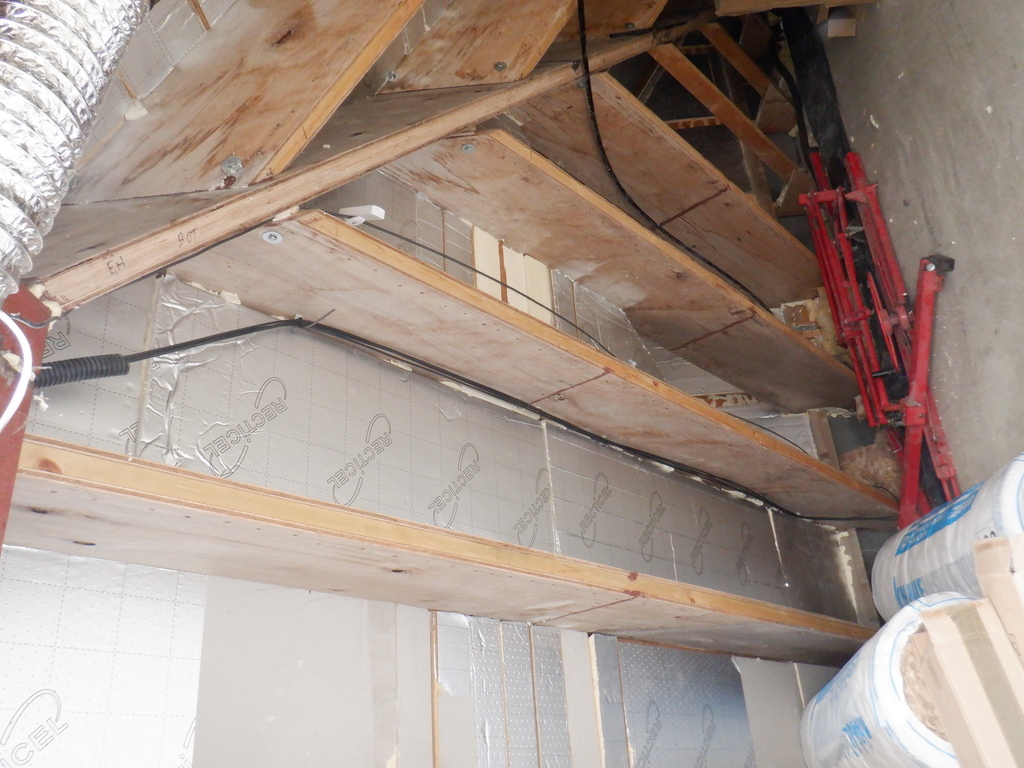
    The CLS timber will almost fill up the gap and block the sunshine from getting through to the insulation boards that will sit behind each solar panel, leaving a small gap that we will allow the air to circulate in and around the panel to keep it cool and ensure that we evaporate any condensation of water that may form on the glass. Each of the eleven window with its solar panel, will have fresh air piped in from our main air conditioning system so we can provide some cooling energy to the panel themselves, especially during the hot Summers, which will improve the efficiency of the silicon wafers converting the solar energy into electricity.

    We then put small pieces of double sticky foam on all four corners of each solar panel modules, sticking 100mm long pieces onto the metal frame and this will provide a reasonable air gap between the panel and the glass surface, and also we drilled three holes through the metal framework on both sides of each panel sideways, so we can screw the panel in place, using our mushroom headed stainless screws, up in the Skylight window and press up against the plastic surface. We even stuck on two small pads of 6mm MDF material so we ensure another air gap at the top of the panel, again to allow the air to circulate etc.
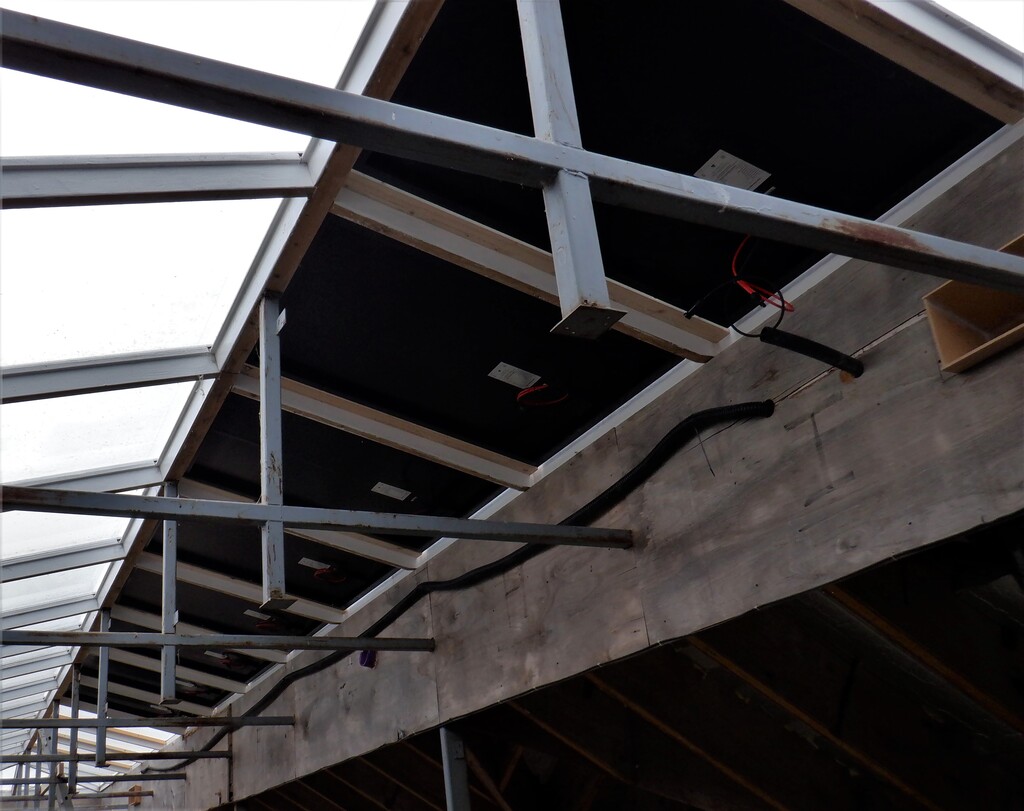
    Installing Third String of Solar Panel up Inside Skylight

    Most-skylight-panel-fitted

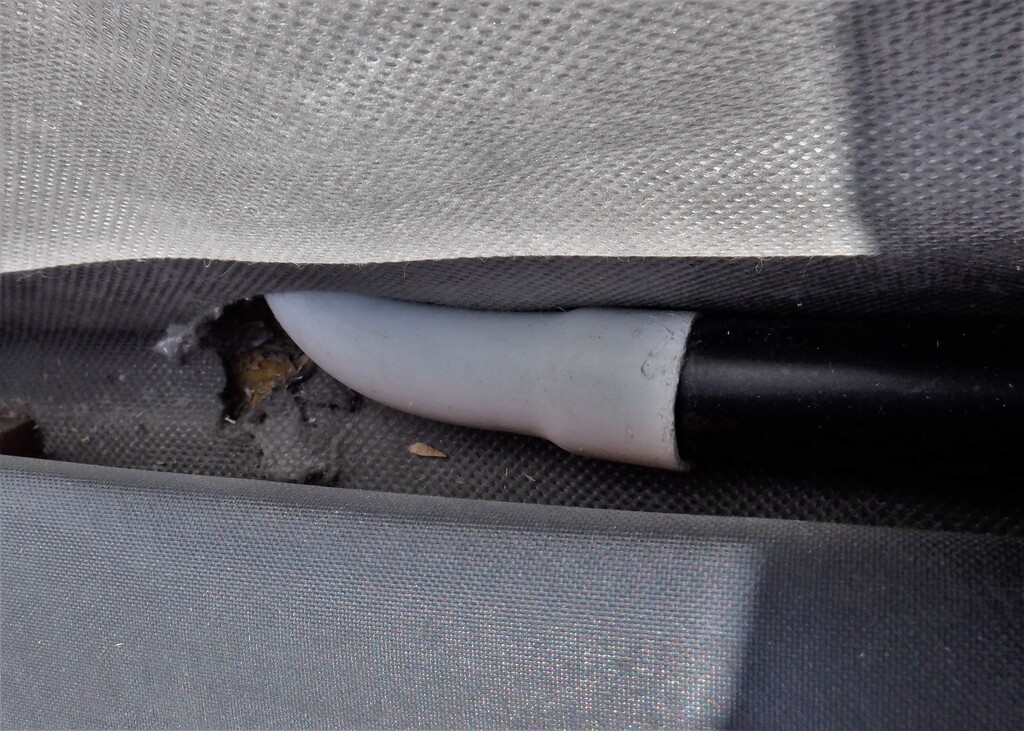
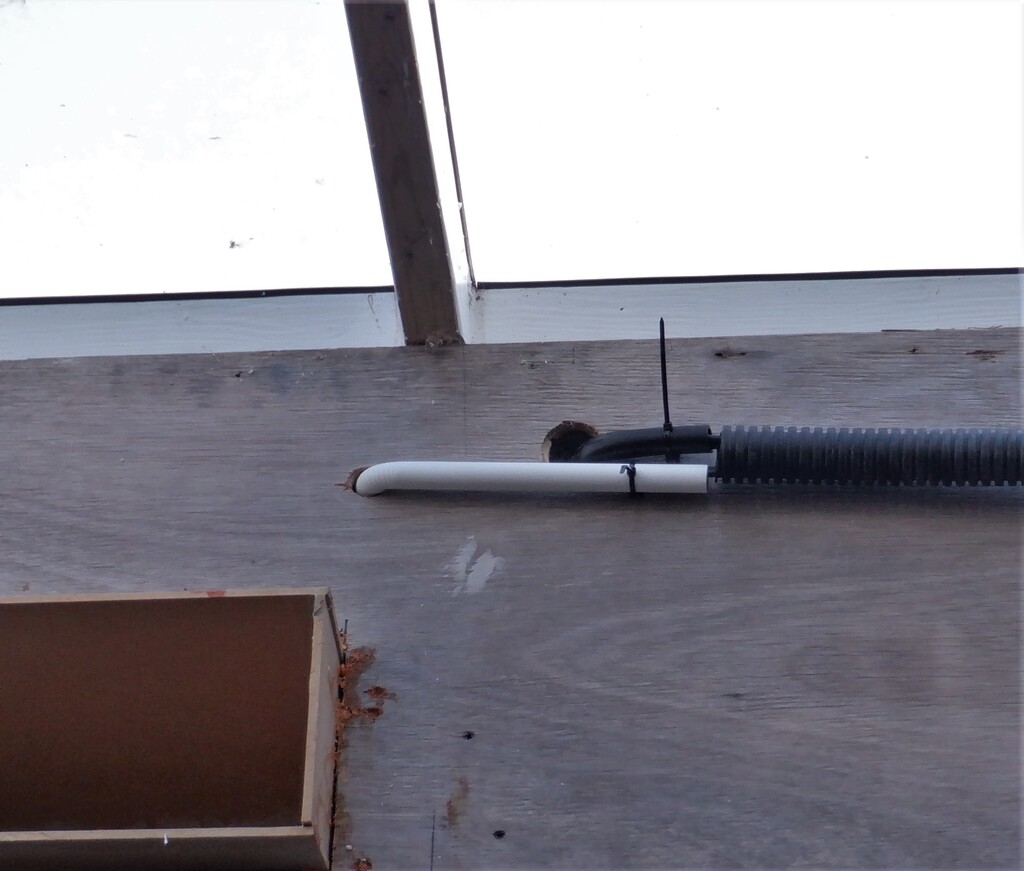
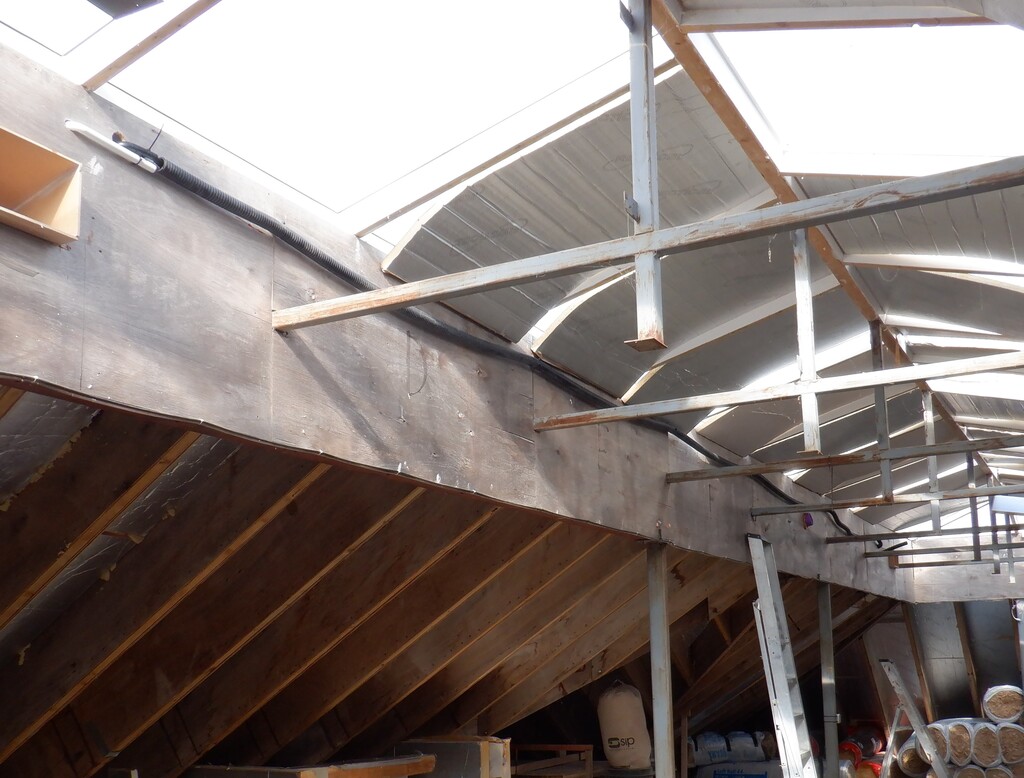
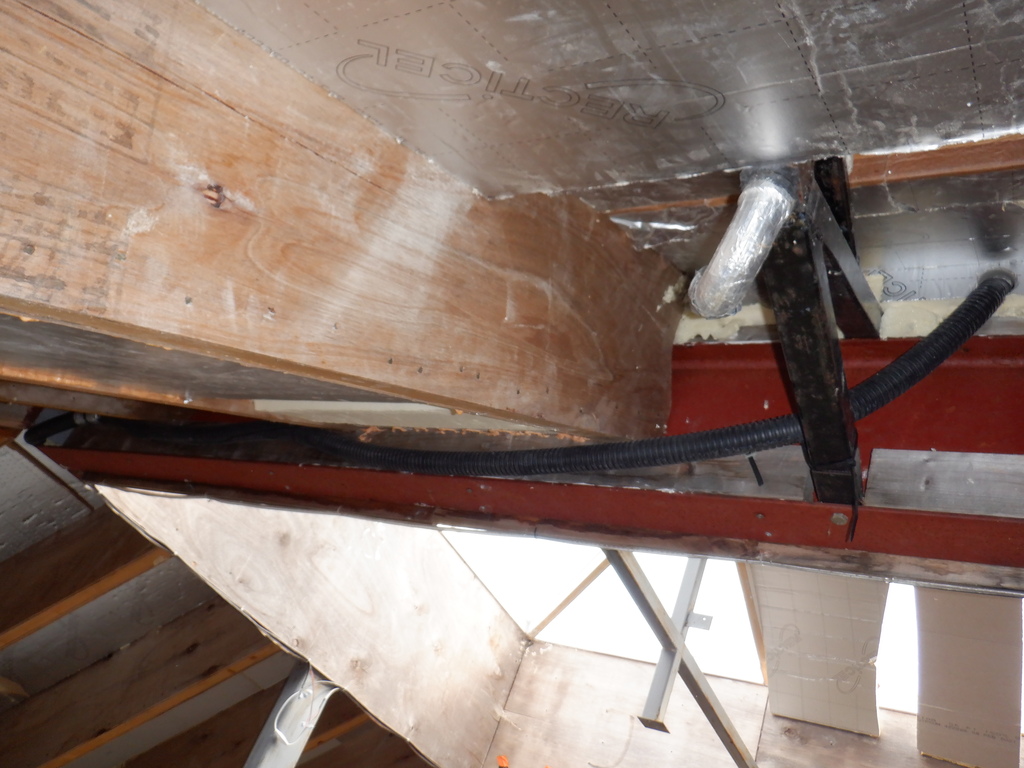
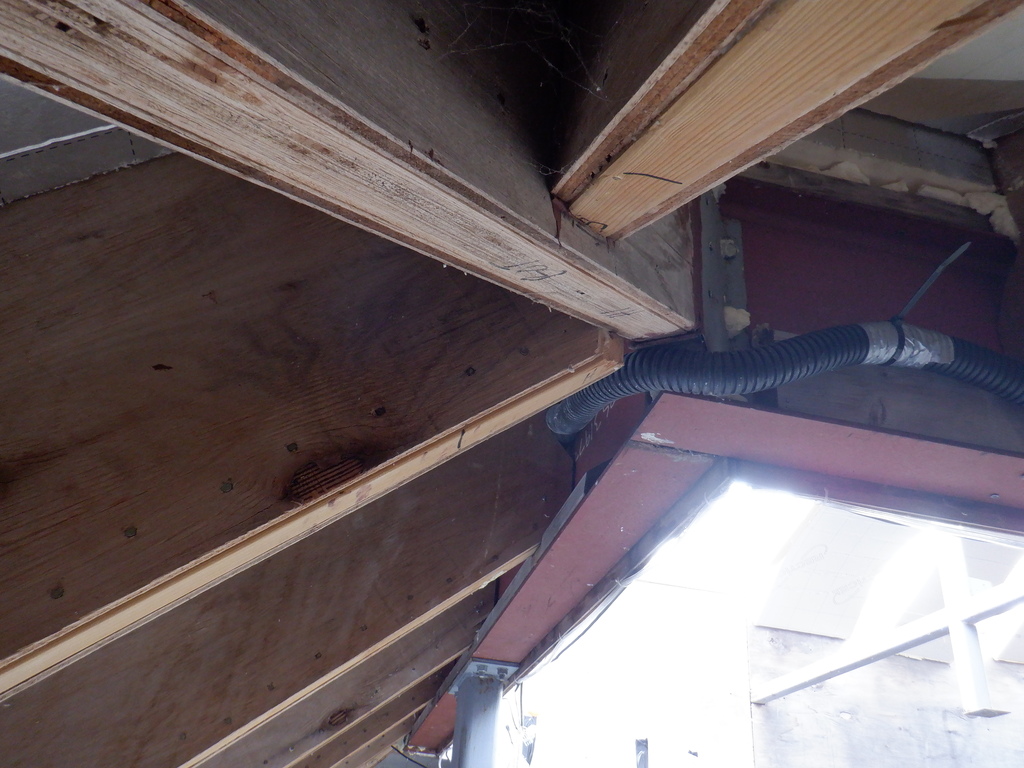
    Next task was to plumb in a conduit from inside our Tech Cupboard, up into the ceiling, through the floorboard, up the steel leg and terminate right up inside the Skylight near the top.
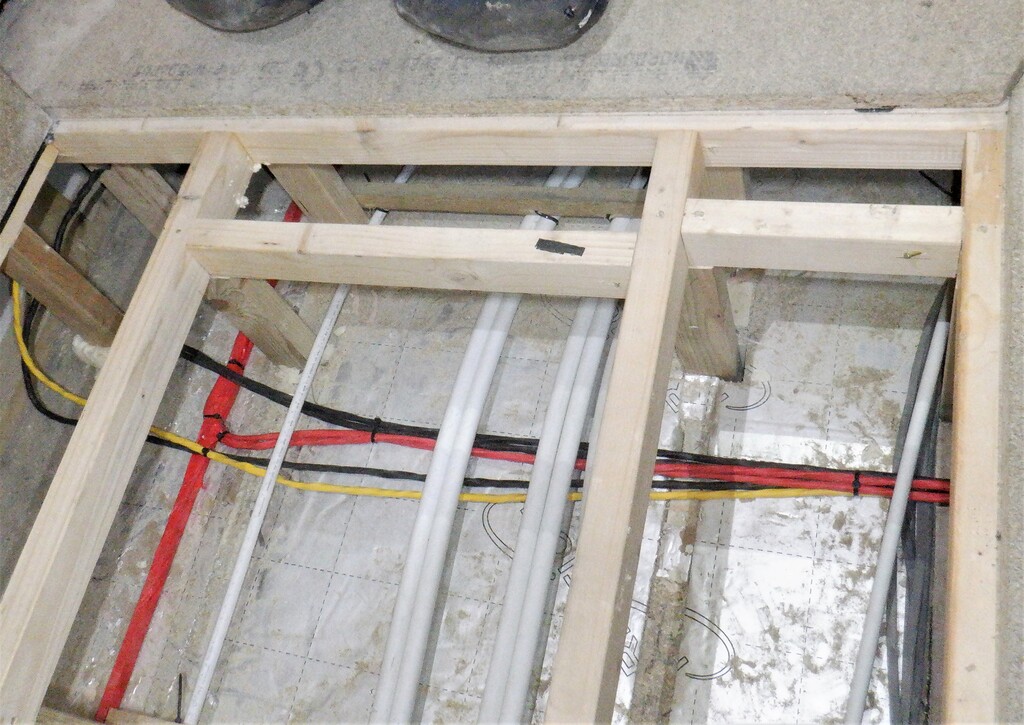
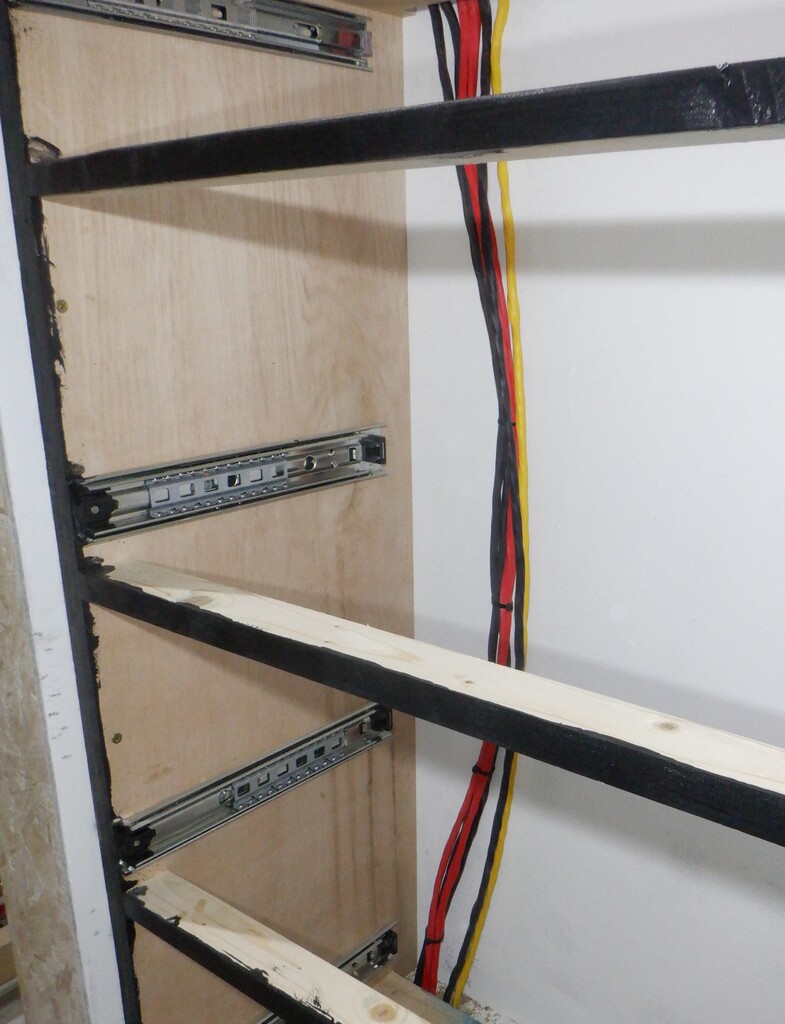
    This will provide the path for our five pairs of 2.5mm square millimetre copper wires, coming from the eleven Solar Panels, grouped into five sets. We decided that we will have a sequence of one panel on a pair of wires, then followed by a group of four panels joined together in series and connected to another pair of wires. After that one, is another single panel on a third pair of wires, followed again by another group of four panels on the fourth pair of wires and finally the last single panel on a fifth pair of wires. All the wires were fed up from inside the Tech Cupboard and went off to each of these set of panels.
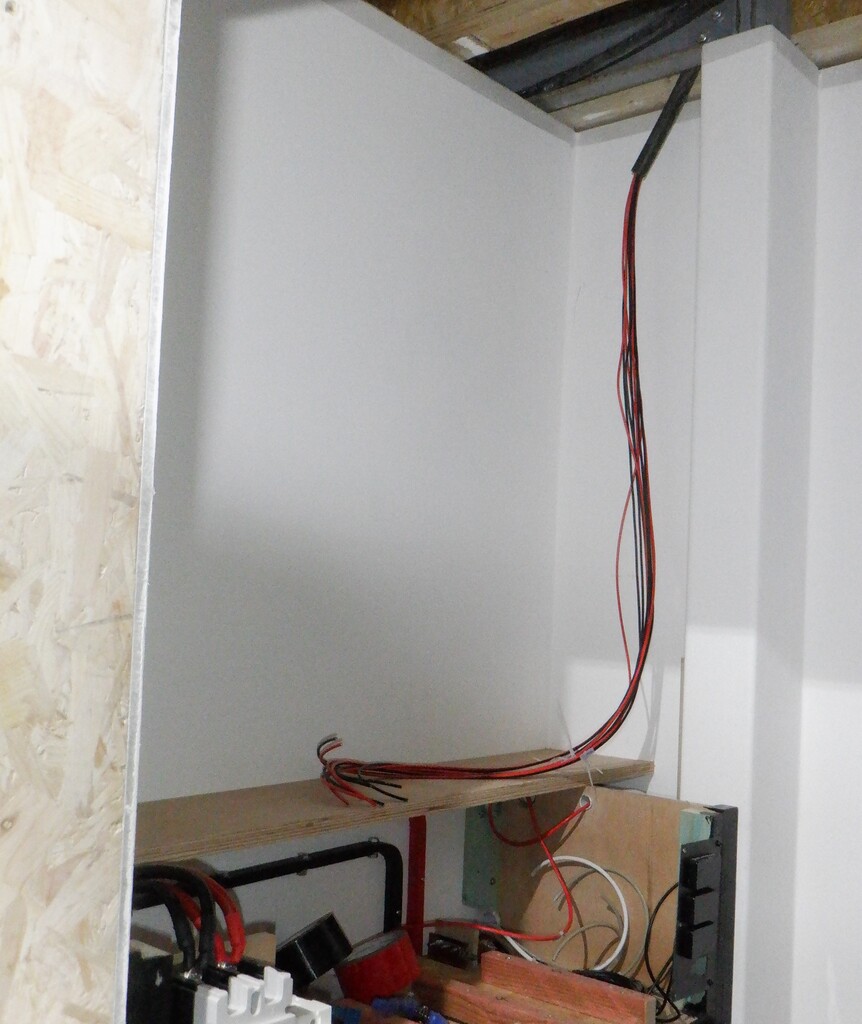
    Installing Third String of Solar Panel up Inside Skylight

    Skylight-solar-cables-in-Tech-cupboard

    We did it that way so we could configure different combinations of connecting the panels together, to provide the maximum conversion of solar to different target battery voltages. We are wanting to charge our 12Volt battery but also want to charge our 50Volt packs too. in fact, for the time being, we would like to take all the output of all eleven solar panels if it is possible and convert all the energy into our 50Volt packs and maximise the benefit of avoiding having to pay these ridiculous grid electricity prices.

    Now we needed to make a front panel to mount the solar charging equipment, the switches and the fuses too. We found a piece of plywood left-over piece from when we were doing the staircase, a lovely quality of 18mm plywood, measuring 345mm wide. We sliced off a length of 1070mm long so it can fit right across the Tech Cupboard, mounted in a vertical direction and facing outwards, and sitting on top of the Battery Cabinet. This front panel will have a distribution fuse box starting on the left end, to provide low-voltage (both 50V and 12V) fused protection for various pieces of equipment in our Tech Cupboard like network hubs and fileservers etc. Then are the two solar charger modules next on the front panels and finally another distribution box that will have two isolation switches and more fused connections coming from the solar panels themselves. We drilled a load of access holes to allow the various wires through to join into these modules. We also sliced two rectangular narrow slots behind the two solar chargers, to allow fresh air to blow on the cooling fins that runs top to bottom on the back of the units.

    We also took the lid of the Battery Cabinet, which we hadn’t processed yet, and cut that down to size to fit in between the walls and the steel leg. We decided that we needed to also slice the whole lid in half, down the length so that we had a more permanent section at the back and still have the front half removable for any future adjustments or modifications inside the Battery Cabinet itself. Our new front panel will sit on the back shelf piece some 50mm inwards and is screwed upwards to join the two pieces together.

    Then, we painted all three pieces in our black paint to match the rest of the Cabinet.
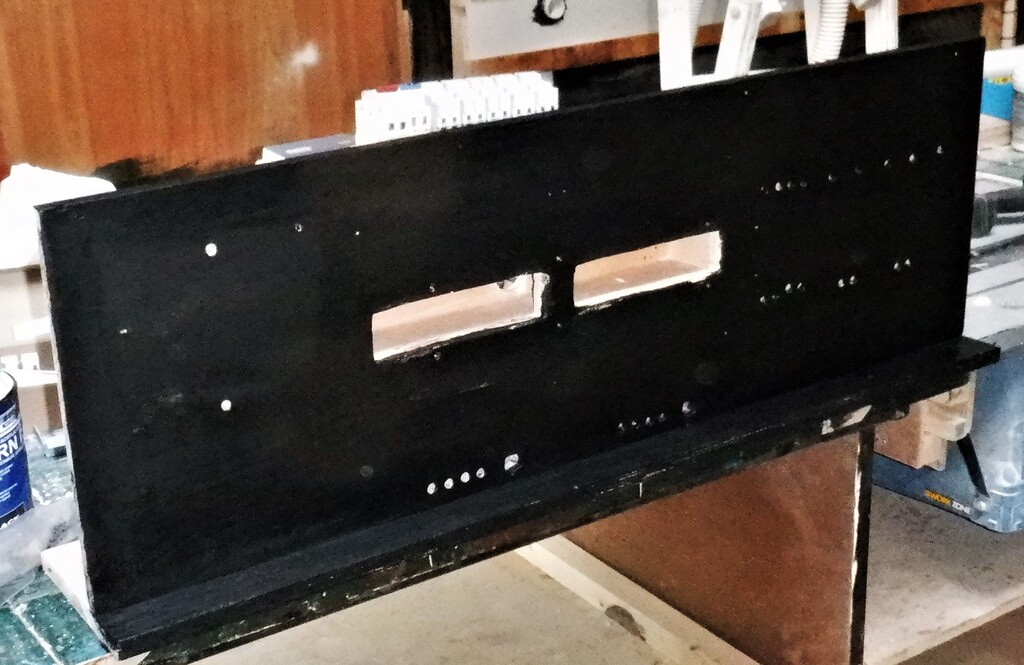
    Installing Third String of Solar Panel up Inside Skylight

    Solar-Equipment-panel

    While the paint dries, we got on in making covers to put over the new Solar Panels up in our Skylight so that we both keep the dust out, but also, to provide a sealed chamber so we can pump in fresh cool air at the bottom of the window and suck the warmer waste air out at the top. These covers are made using 6mm MDF sheets, cut down to just fit inside the Skylight rafters, the height being 1210mm long and the width being set to 1030mm as a minimum so it can fit in all the skylight windows. Two 50mm air holes were drilled into the left bottom corner and then diagonally at the top right corner and also we drilled two 20mm holes in the lower middle point to allow the electric cables to come through from the Solar Panel. We found that it is a tight squeeze to get these covers in place so we decided to slice every board in half and it was so much easier to tackle the problem of installing these covers. Each had three screws put in on each edge. Finally, we covered up the holes with aluminium tape and also sealed the bottom and top edges with a line of spray foam so we keep the dust away from the solar panels.
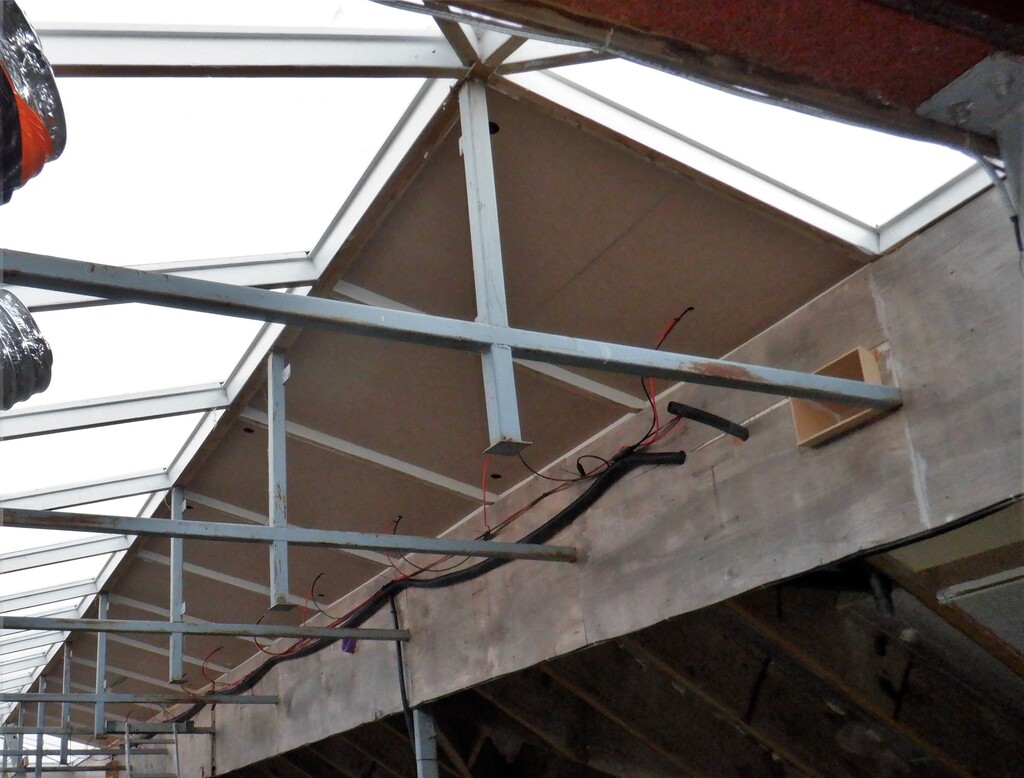
    Installing Third String of Solar Panel up Inside Skylight

    Skylight-solar-cover-panels-fitted

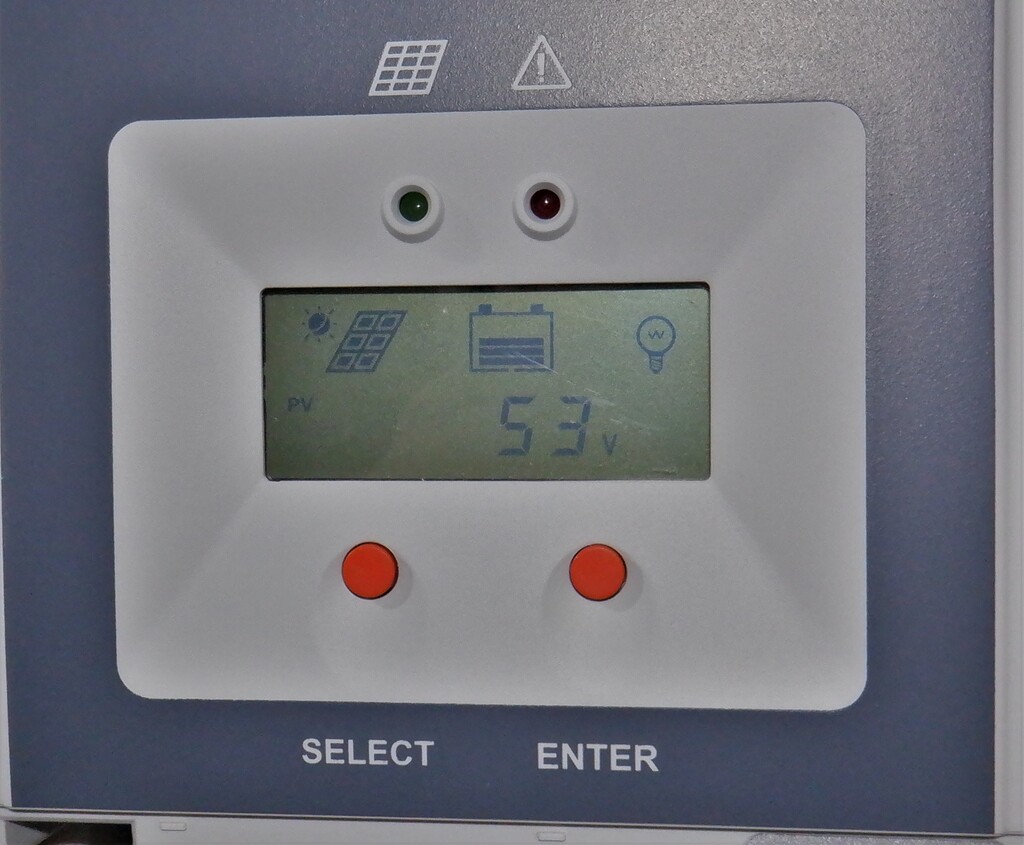
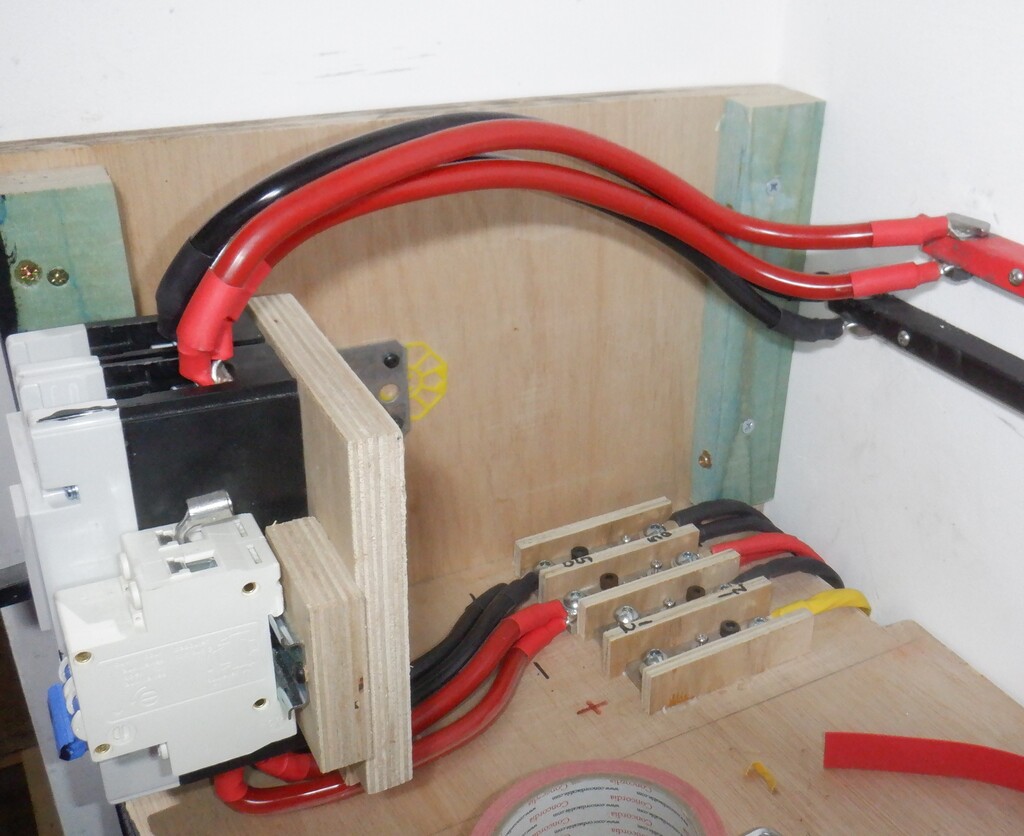
    Finally, we wired up all the equipment that now have been mounted to our freshly painted front panel, connecting the five individual groups of the solar panels into the switch bank and then wired in the isolation switches from the solar chargers themselves. We then installed this front panel on top of the Battery Cabinet and screwed it into place and connected it to the 50Volt bus bar, plus also all the cables coming down from the Skylight were connected into the top side of the bank of switches. We now have a working third string of solar panels!
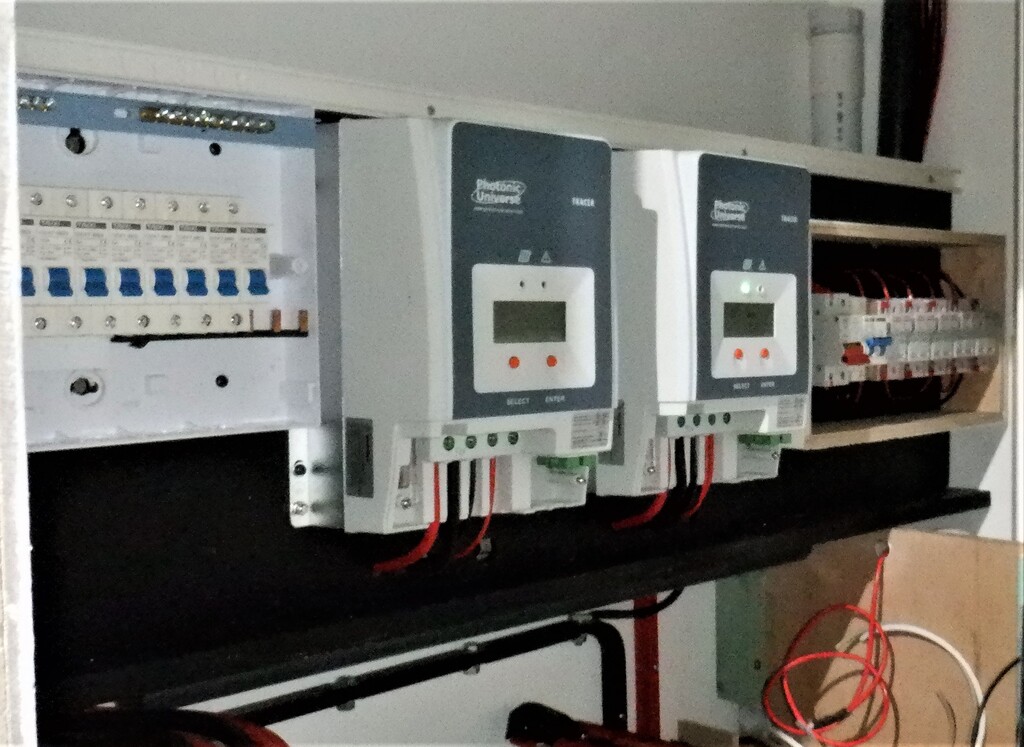
    Installing Third String of Solar Panel up Inside Skylight

    Solar-Eqipment-fitted

    Installing Third String of Solar Panel up Inside Skylight

    Skylight-solar-charger-working


    Today, we collected 4kWh worth of energy but we do need to go outside and climb up onto the roof, to clean the Skylight windows as they have several years of accumulated grime. We will do a test of cleaning half the windows and then flip between the two halves and find out how much difference it might make to our Solar power collected.

    That pretty much concludes everything to do with our Solar, the electrical version for now, we got a thermal one to tackle sometime in the future. We will now get on with installing extra insulation into our temporary living quarters, to help reduce our electricity burden!
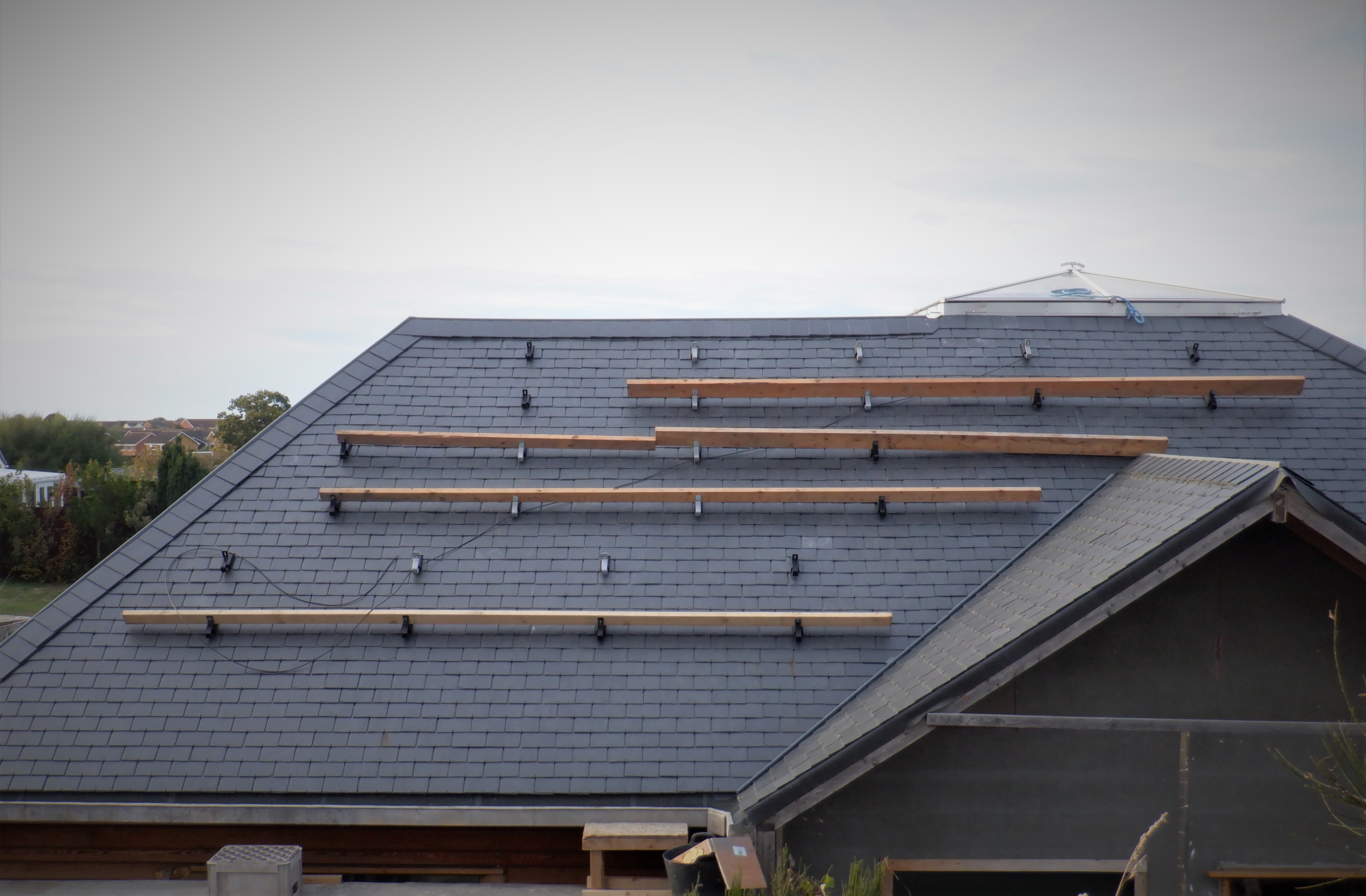
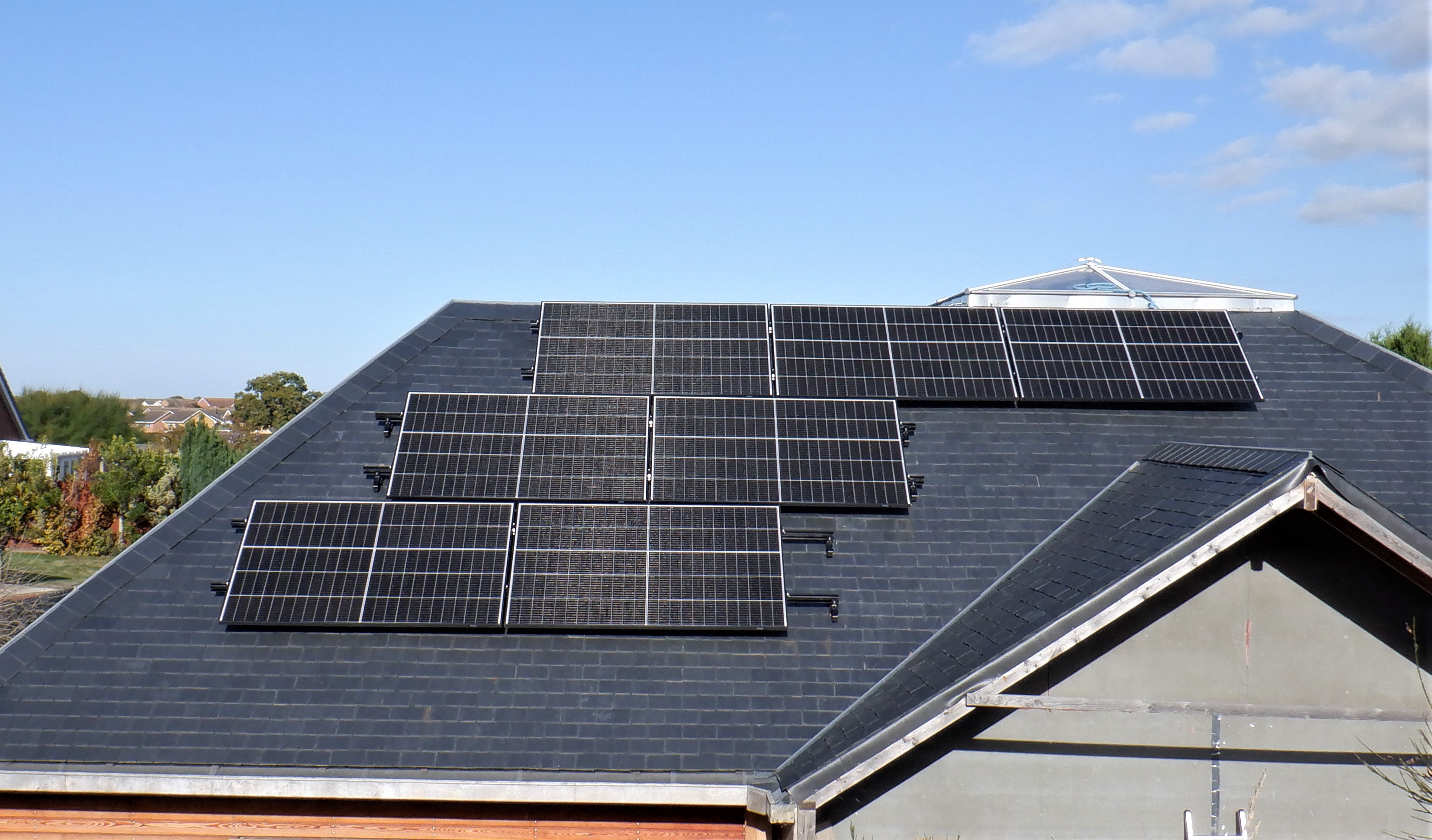
  • Installed Second String of Solar Panels Up on P Roof

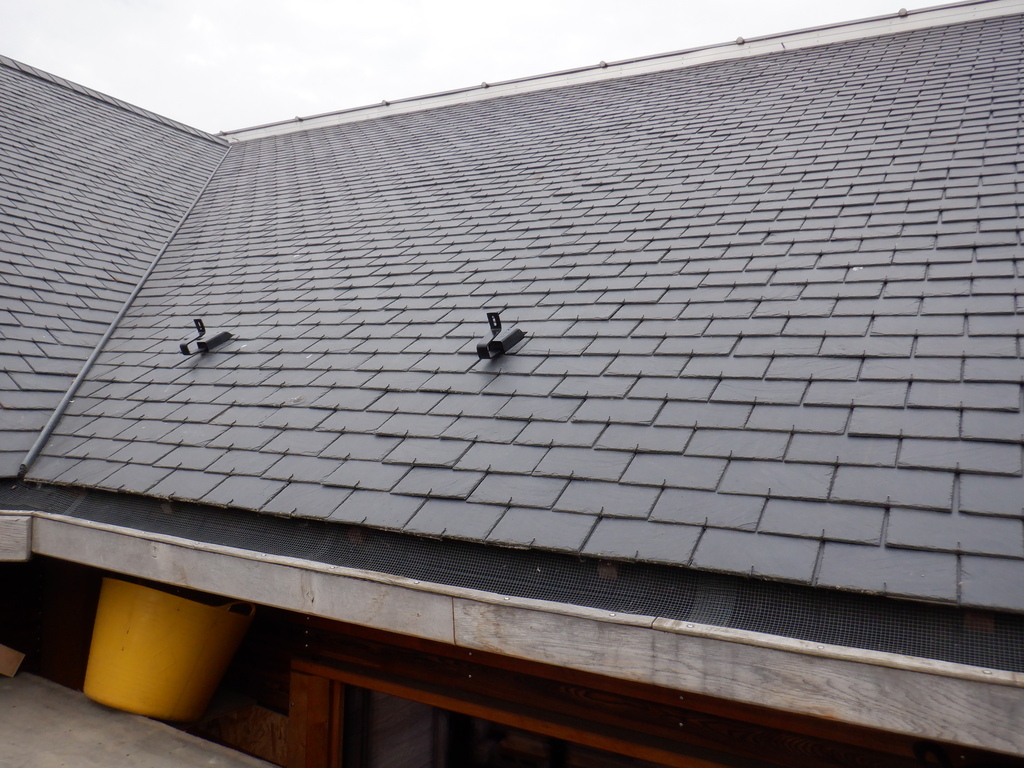
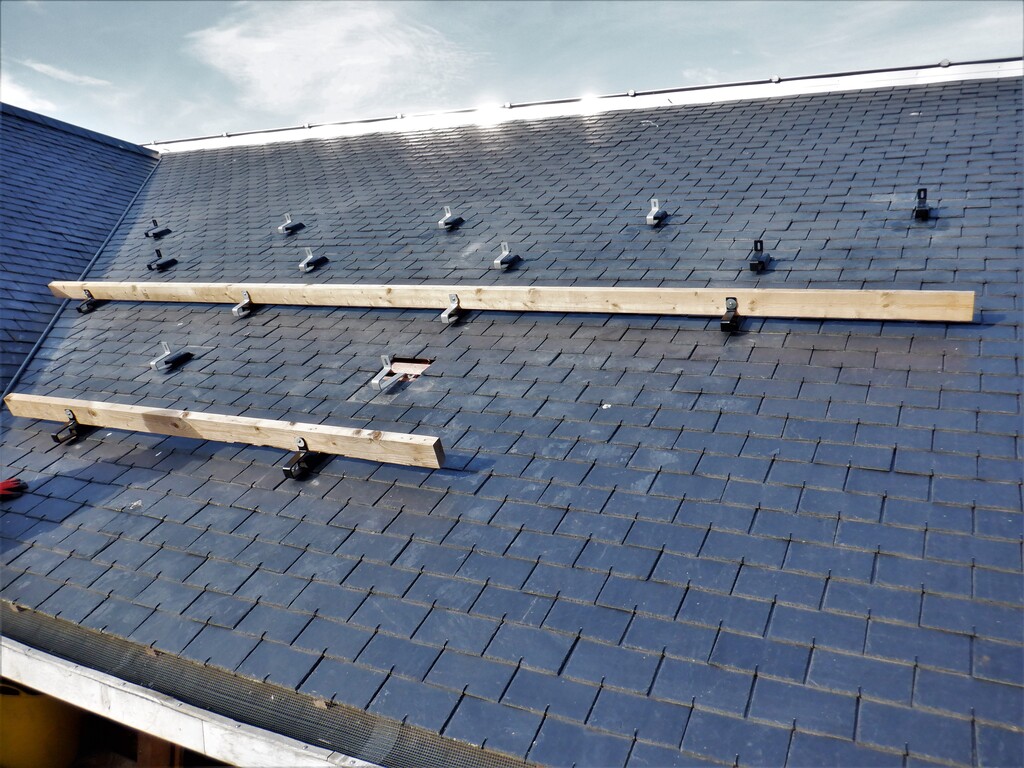
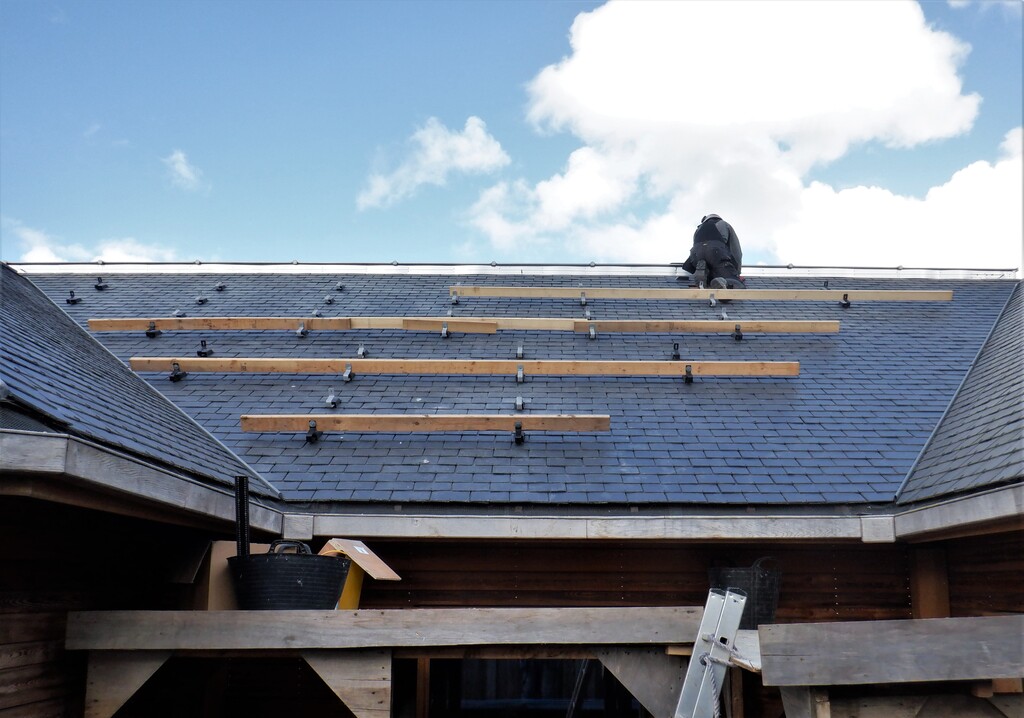
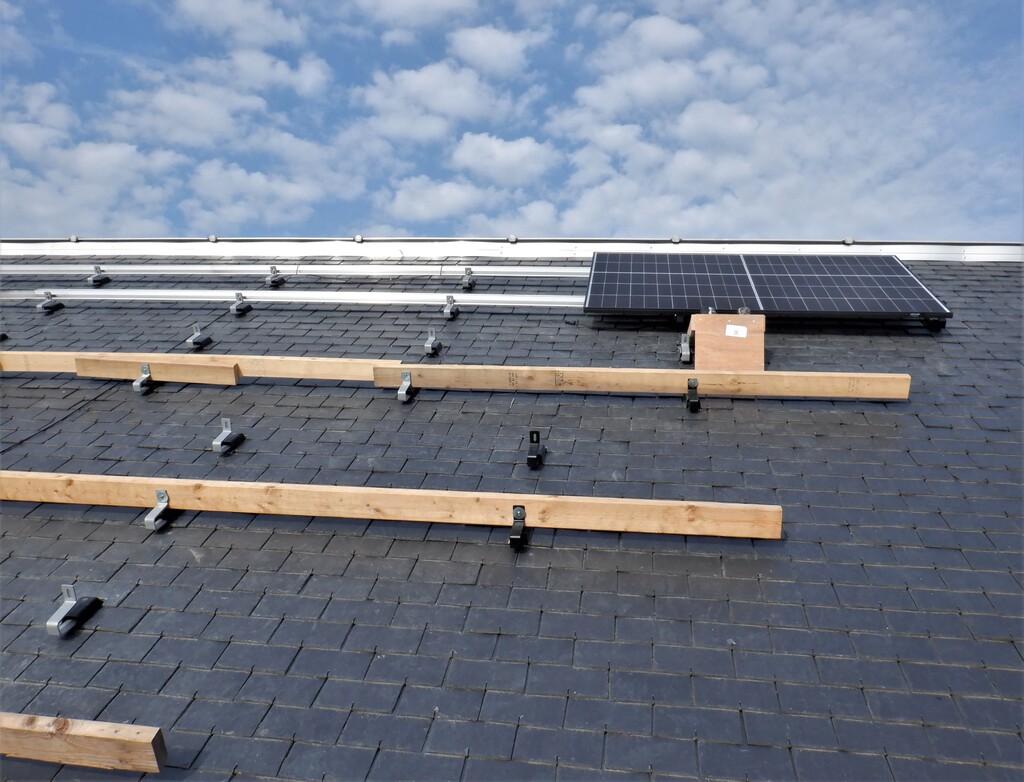
    For this week, since we have built the two battery 50Volt drawers, we decided to get on with installing the second string of Solar Panels, up on the P section of the Roof, which faces the Sun during the morning hours. We didn’t start until Wednesday, removing and cutting the slates for each metal bracket position and proceeded to mount eight brackets for the first row of two Solar Panels, then another eight brackets for the next two Solar Panels and then finally ten brackets for the third row of three Solar Panels, situated up near the top of the sloping roof.
    We used lengths of timber screwed to a completed line of brackets, to afford us some safe footing as we worked our way up the roof.

    Installed Second String of Solar Panels Up on P Roof

    P-All-Brackets-


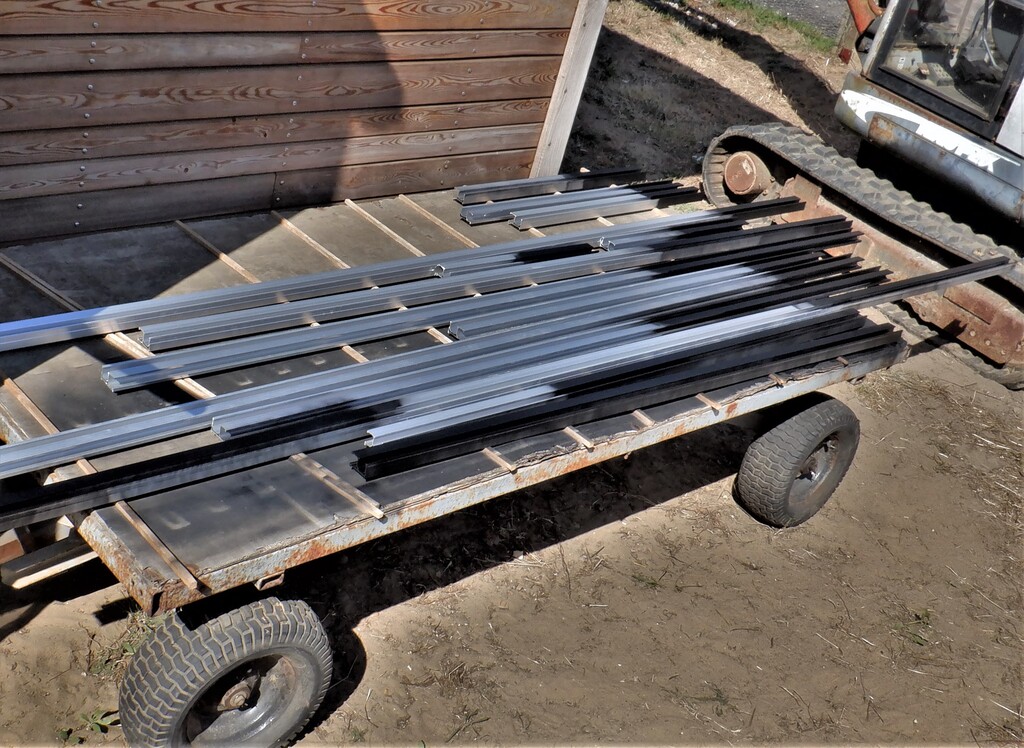
    We also cut the aluminium bars into three completed sets, two approximately 3900mm long and the third set 5500mm and then painted the various parts which will be exposed, in a black colour, to blend with the dark slates.

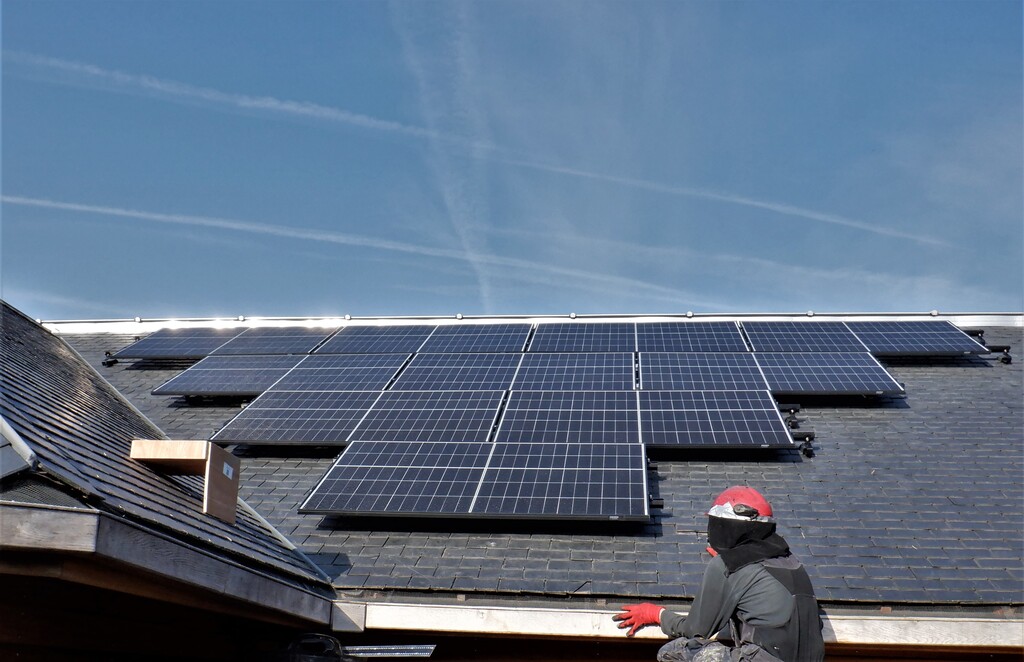
    Then on Saturday, we took up our newly painted aluminium bars and started at the top row, mounting the horizontal bars across their five brackets and then brought up three Solar Panels and clamped them down to the bars, connecting up the wires etc. We did a quick electrical test by connecting the trailing cable to the third panel and went indoors to our Utility Cupboard to measure 118Volts coming out the other end which is very good. We then, after lunch, repeated the same process for the second row, this time, two Solar panels, and then finally the third bottom row with two more Solar Panels, doing the same electrical test for each row completed and all was just fine.

    Installed Second String of Solar Panels Up on P Roof

    P-Solar-Panels-installed


    It was a very hot day in full sunshine and hardly any wind to cool us down! Phew! But we now have seven more Solar Panels installed and connected to our Solis Inverter box, generating another 2.8kWatts maximum during the earlier hours of the day.
    The final task of the day was to disassemble our working platform that helped us get on and off the roof, the two platform modules had their legs unscrewed and stored back in the Swimming Lane for another occasion and the two flat tops were also stored in the lane too. We now have a cleared path all the way around the house. Lovely!

    Update: Sunday was a lovely day and after a cloudy start the rest of the day was almost perfect. The P roof started generating a usefull amount of power at 8am and by 9 was going strong. It peaked @ 2.68kW (96% of Max) about 11am. The Total output peaked at 1pm @ 4.86kW and the combined system generated more than 28kW hours of energy. This is enough to charge the battery by over 18kWh.

  • Early Results of Running the 50Volt Battery Packs

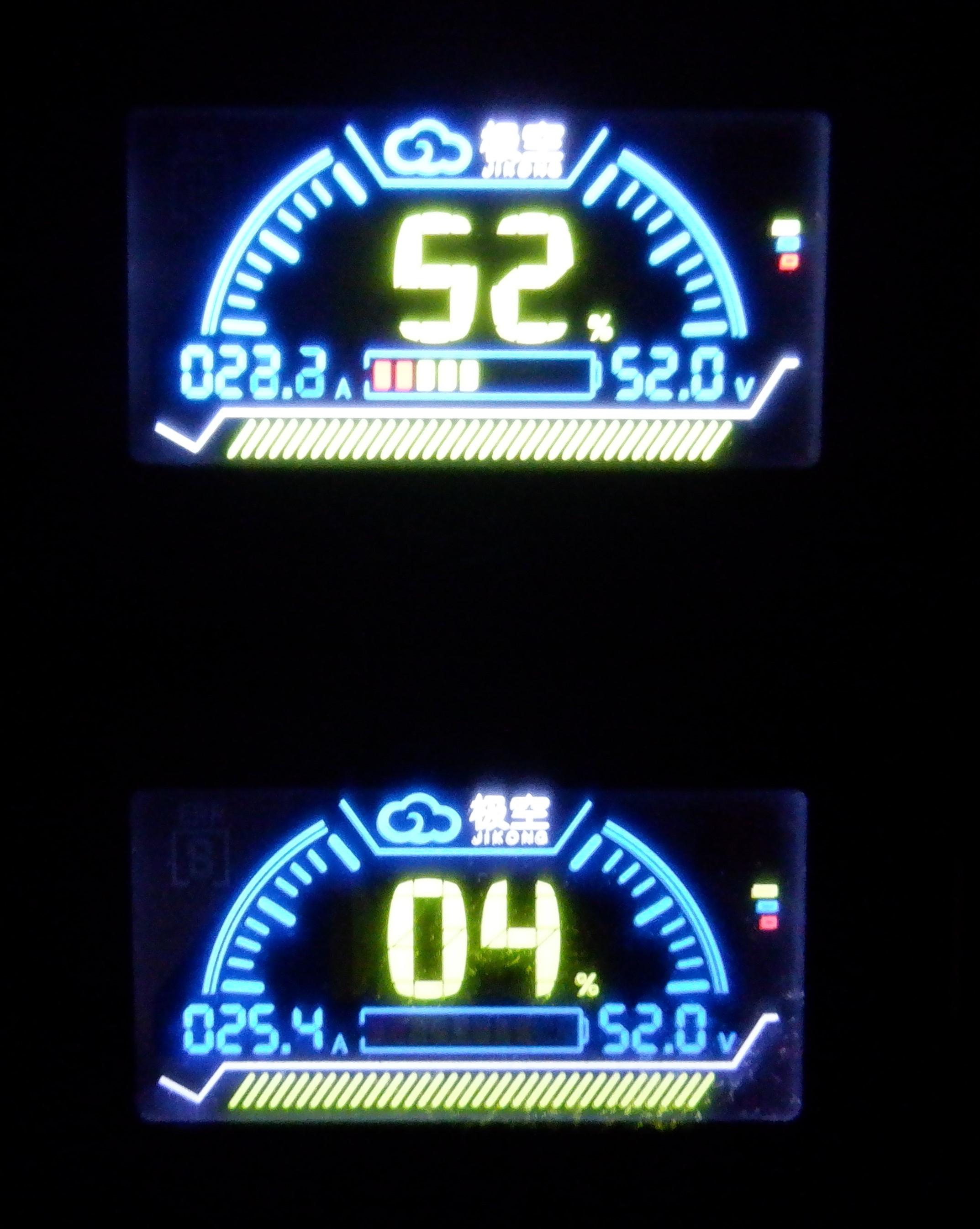
    We decided to allow our 50Volt battery packs to run more empty by changing the lower threshold point that they are allowed to discharge down to before cutting off and we left them to run overnight.
    On the morning, we discovered that both battery packs had switched themselves off and upon examining the status of each pack, found that Pack One has discharged down to the minimum voltage threshold as expected but for Pack Two, we discovered that one particular cell, number 6, had drained to the cut-off threshold faster than its siblings and the the computer is programmed to disconnect the whole pack if it discovers any of its sixteen cells has fallen below the safe voltage levels, which is exactly what has happened. This is very useful to know this weakness and we are planning to swop out this cell for one of the 12Volt cells as we are unlikely to put the 12Volt pack through such heavy demands as we will be putting the two 50Volt packs.
    But, in the meantime, we programmed the Solis Inverter to go into deliberate charging mode, using the Grid supply, to boost the charge levels back up to more useable levels. We also had a glorious sunny day on Thursday and we had collected 16kWh of energy and all of it was pushed into our battery packs, along with about 7kWh of Grid electricity before we told the Inverter to halt the charging operation at 6pm when we finished work.
    We decided that we won’t allow the batteries to drain so far down to that shutdown threshold again so we reprogrammed the Inverter to stop drawing on the batteries when the voltage dips below 48Volts, which should allow the batteries to provide a tickle of power to the Inverter which will continue to monitor what our household is using and keep a record of our electricity usage at every 5 minutes intervals. The batteries look a bit better now that they had a good charge but we will wait and see and probably will deliberately discharge the two packs again and see what happens, especially to cell number 6 again.

    We had another lovely day on Friday and we collected almost another 10kWh of energy but we will have to continue in our designed implementation of providing night-time grid charging and sign up to those off-peak tariffs to take advantage of loading our battery packs full of cheap electricity and run the household fully from the batteries instead, because even though we collected nearly 10kWh from the Sun, we actually consumed 25kWh for our whole 24hour period. It is going to get worse as the Sun moves around into the Winter cycle so we definitely will need to tap into the cheap electricity being offered during those off-peak hours.
    Even with the second string of Solar Panels that we are currently installing, may give us another 5kWh on this particular day but of course, it could go much lower than that on a very dreary cloudy day, but also generate a load during a very good sunny day. This is why we are going to be building a Green Computer system that will monitor the weather for the next 24 hours, also monitor the electricity prices (so we can take advantage of those special cheap rates, even negative rates where they will pay YOU money to use the Grid electricity) and manage the whole battery packs, its chargers and the various solar inverters too. We will even eventually include the Thermal Solar arrays that we will have on our Garage roof, heating up water from the sunshine, and have that source of Solar Energy incorporated into the Green mix.

    Early Results of Running the 50Volt Battery Packs

    50V-Battery-displays

  • Third Battery Drawer Assembled, The 12Volt Pack

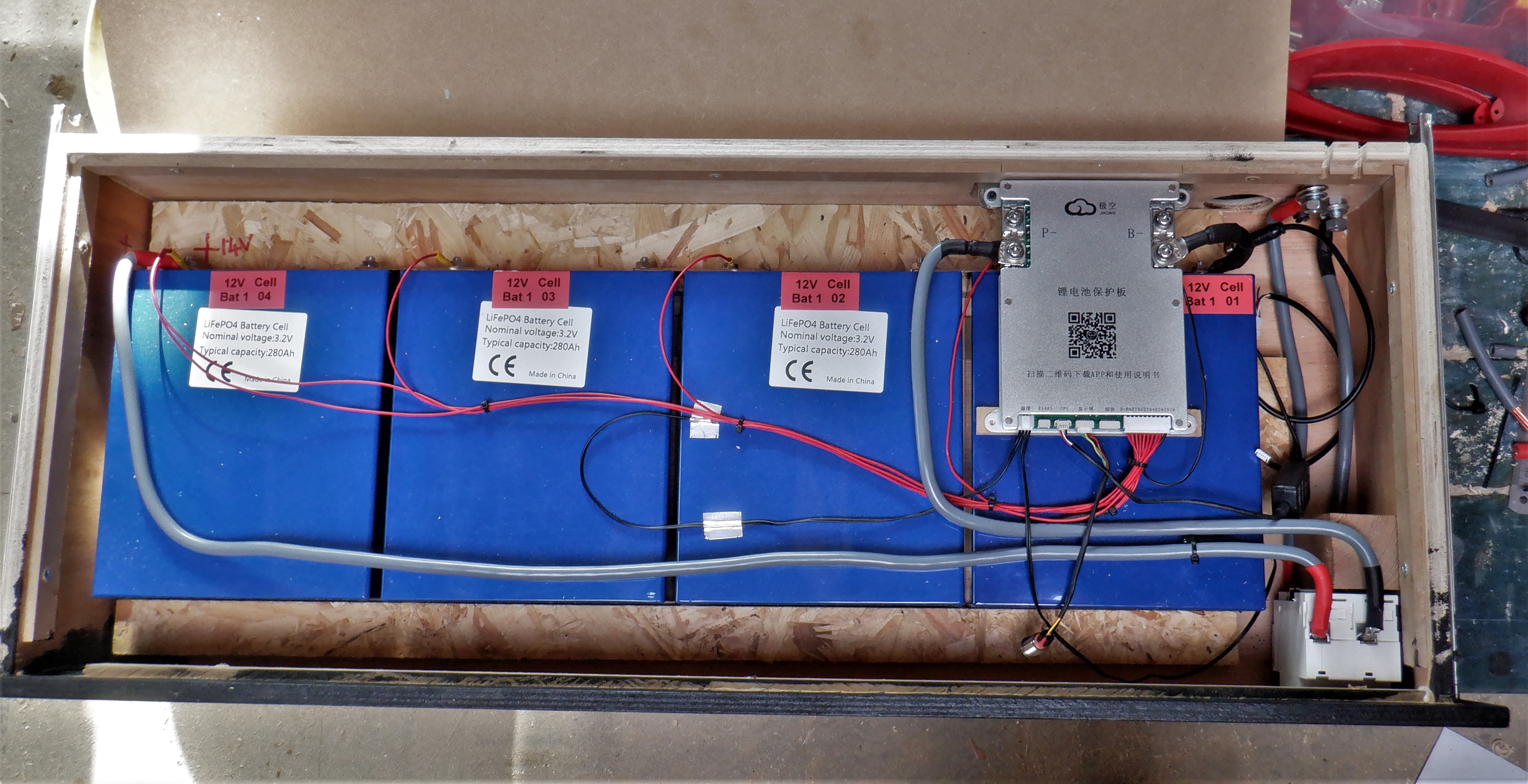
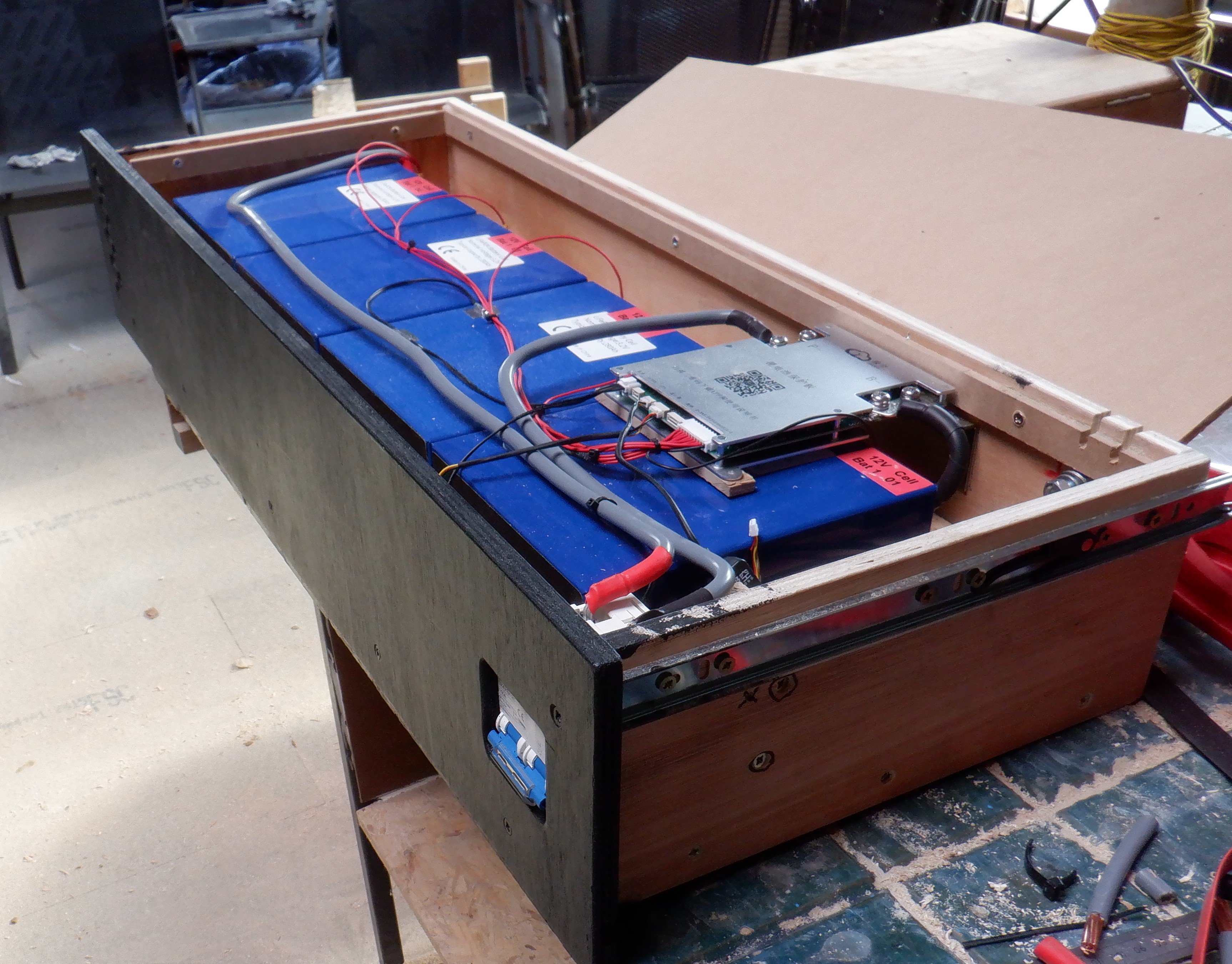
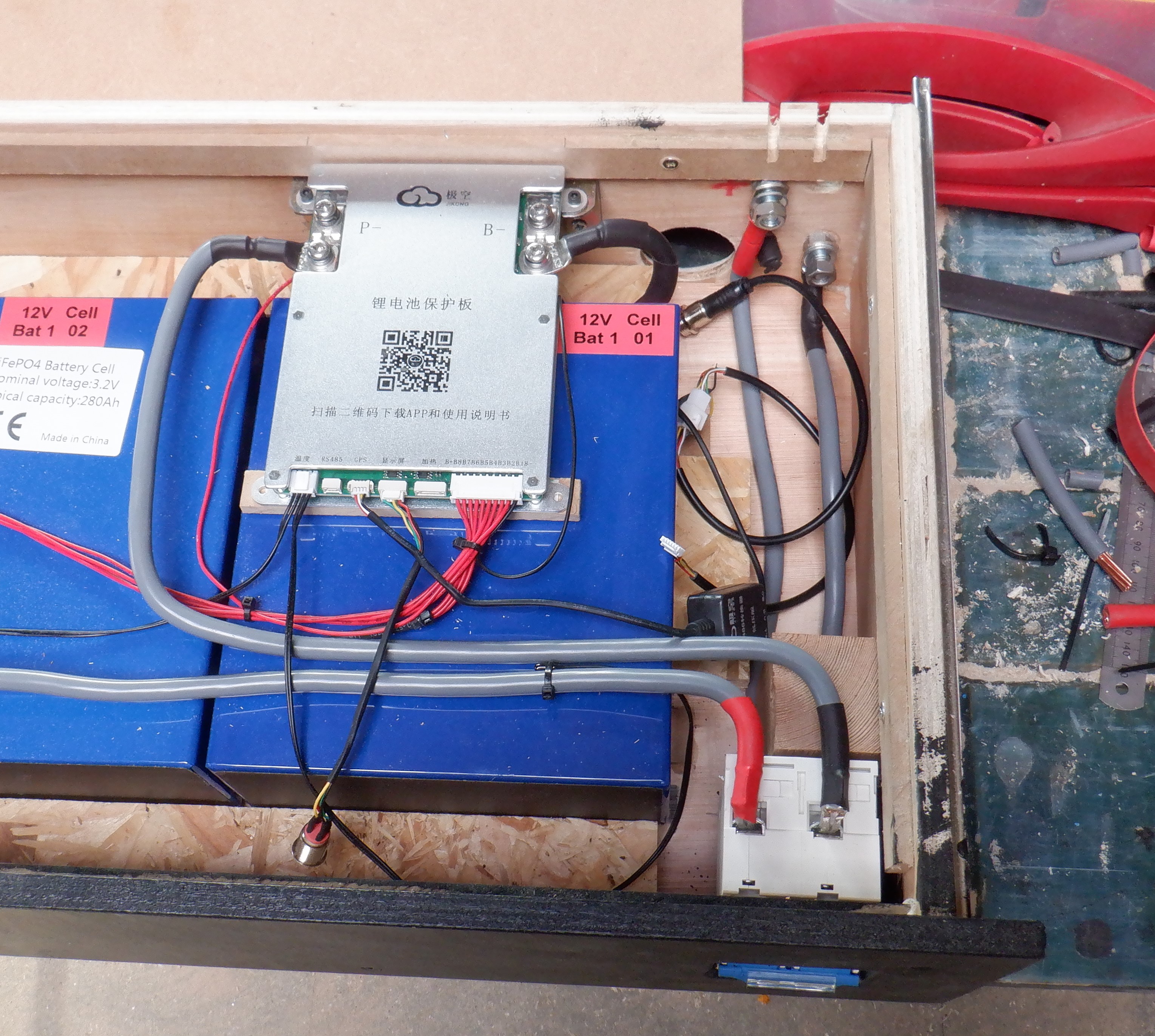
    Our third drawer, the smaller one, had the remaining four battery cells installed and wired up. We swopped out the isolating switch for a heavier duty model, capable of handling up to 100Amps. It is now ready to be installed into the cabinet itself.

    12V Battery Draw

    12V Battery Draw

    Third Battery Drawer Assembled, The 12Volt Pack

    12V-Battery-draw

    Third Battery Drawer Assembled, The 12Volt Pack

    12V-Battery-connections


    We got one more drawer which is empty at the moment but we may invest in buying some more cells next year if we deem that it would be useful and help us capture more Solar and cheaper electric rates during the off-peak periods. We also will wait until the pound grows a bit stronger again as we have to buy the equipment in American Dollars!!

  • Construction of Battery Cabinet

    We spent the last week or so, constructing a cabinet to hold all our Lithium Iron Sulphate cells, grouped into battery packs. We went for a drawer design so we can access the individual cells but have them safely tucked away from fingers or metal objects.
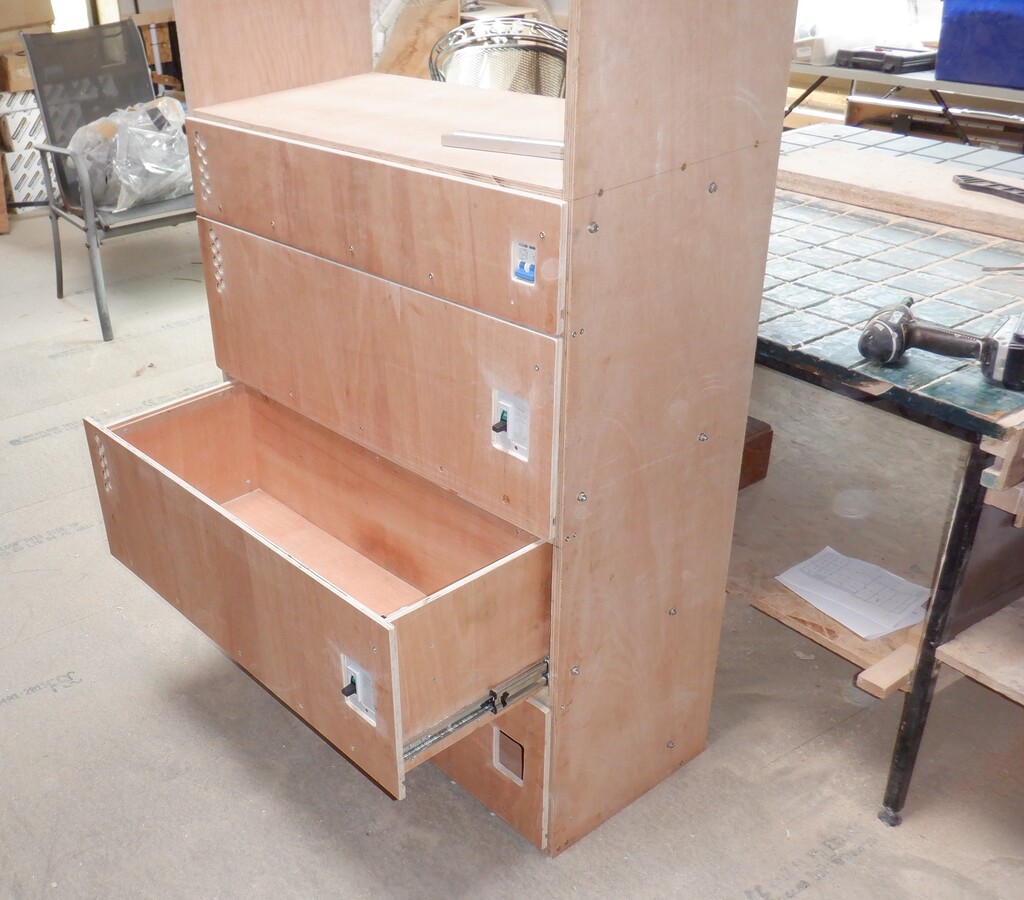
    The basic overall dimensions of this cabinet is 900mm wide and 400mm deep, with the top outer “lid” about 1300mm off the floor. There are four drawers all together, three being 295mm tall to store the 50Volt battery packs and one drawer being 165mm tall to store the 12Volt pack. Then a 250mm tall shelf with a front panel that will have the display modules to show the status of the battery packs, mains powered chargers with their own cut-off switches and finally a master cut-off switch for the whole cabinet.
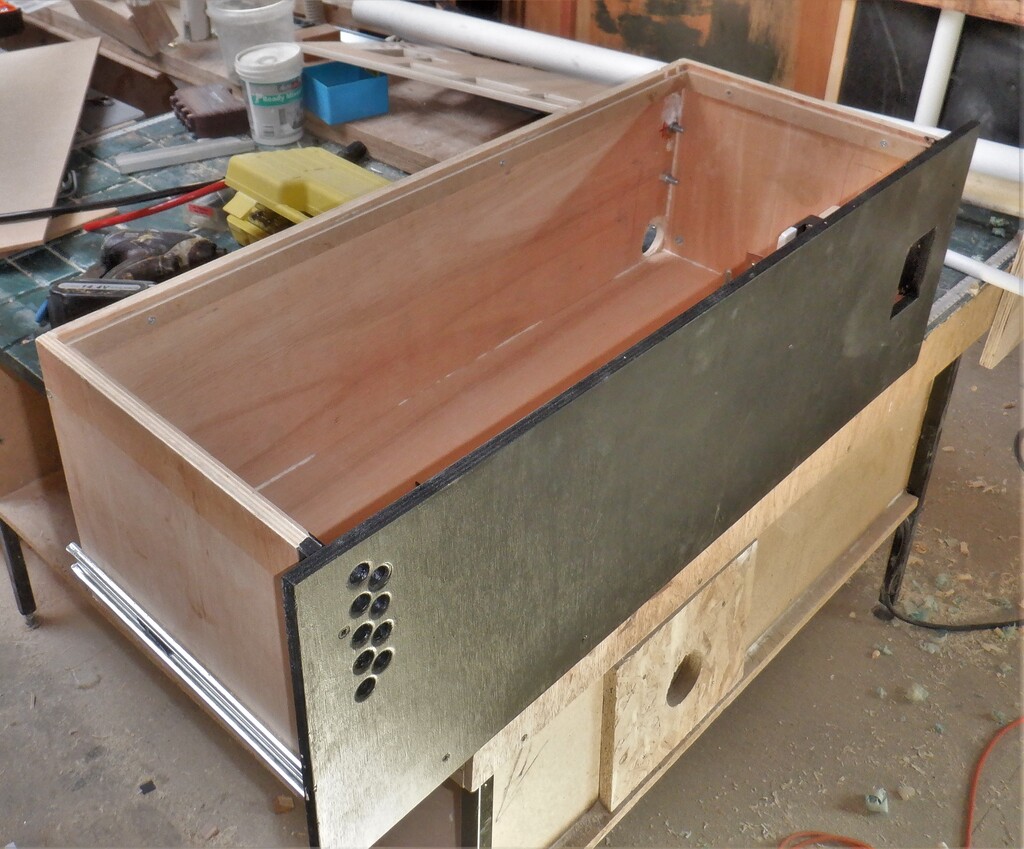
    We used a complete sheet and a narrow strip off another second one of our 12mm thick posh plywood material, to slice all the parts for the four drawers, we put all the dimensions of each piece into an optimiser and it told us where to slice, to minimise wastage. We used a combination of our track saw plus also our table top circular saw, to slice the sheet up into consistent size pieces. We then cut a groove in the four vertical sides of each drawer so the base board will be well supported and take the weight of the battery cells, as the sixteen cells that makes up the 50Volt packs will weigh almost 100kg in total. We had to order heavy duty drawer runners to cope with that kind of load.
    We then started drilling and cutting out the various air holes and cut-outs for the switch on the front panel, and then cable access at the rear of the drawers including installing metal bolts and metal brackets to hold the computer etc.
    Next, we put on the drawer runners themselves, three heavy duty ones for the big drawers and a single medium duty runner for the 12Volt drawer which has only four cells in it weighing just over 20kg.

    Construction of Battery Cabinet

    A-Draw-


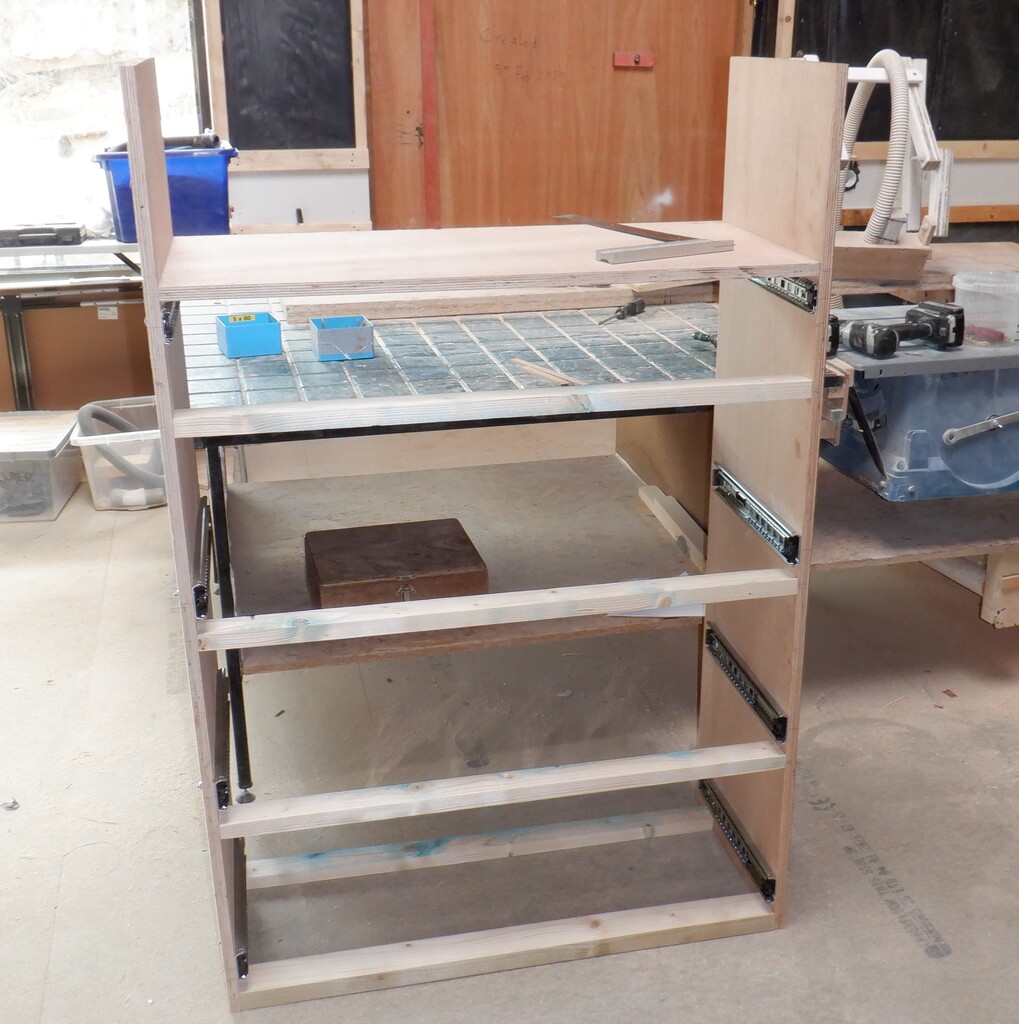
    Now we got a sheet of 18mm thick plywood out of our sheet storage room and proceeded to slice that up into 400mm wide strips to create the cabinet itself. We needed to make sure that one piece is long enough to bridge right across the Tech Cupboard, this forming the top surface of the cabinet, which measures 1085mm wide. This means that the remainders can form the vertical sides where we then installed the other half of the runners in their assigned positions so that the bottom drawer is 30mm off the floor surface and then a gap of 5mm between drawers plus another 5mm gap to the top shelf that will have a fixed front panel that has other equipment and modules including computers and master isolating switches too.
    Construction of Battery Cabinet

    All-draws-fitted


    Now that we have the drawers in place, we could put in reinforcing horizontal bars to help stabilise the sides and also provide a visual and physical blockage between the drawers, so we used pieces of 50mm by 25mm battens which we planed down to make them smoother. We put two at the bottom, one at the front to complete that blockage strip, but a second one near the back to lock the back edge together. Finally, we took the fourth piece of our 18mm plywood 400mm wide left-over strip and cut that down to the internal dimensions, 862mm, and fitted that in place so that it provides the same blocking function as the other battens. We now have a rigid and fairly robust cabinet with a shelf which forms the complete storage for holding our battery packs and all the electronics for charging and monitoring everything.
    Construction of Battery Cabinet

    Cabinet-built


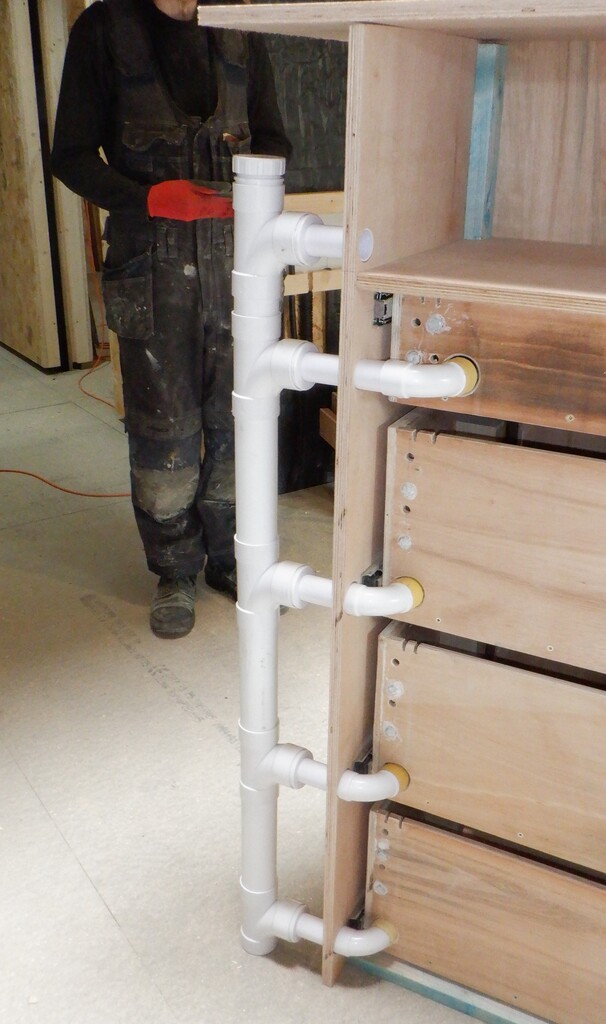
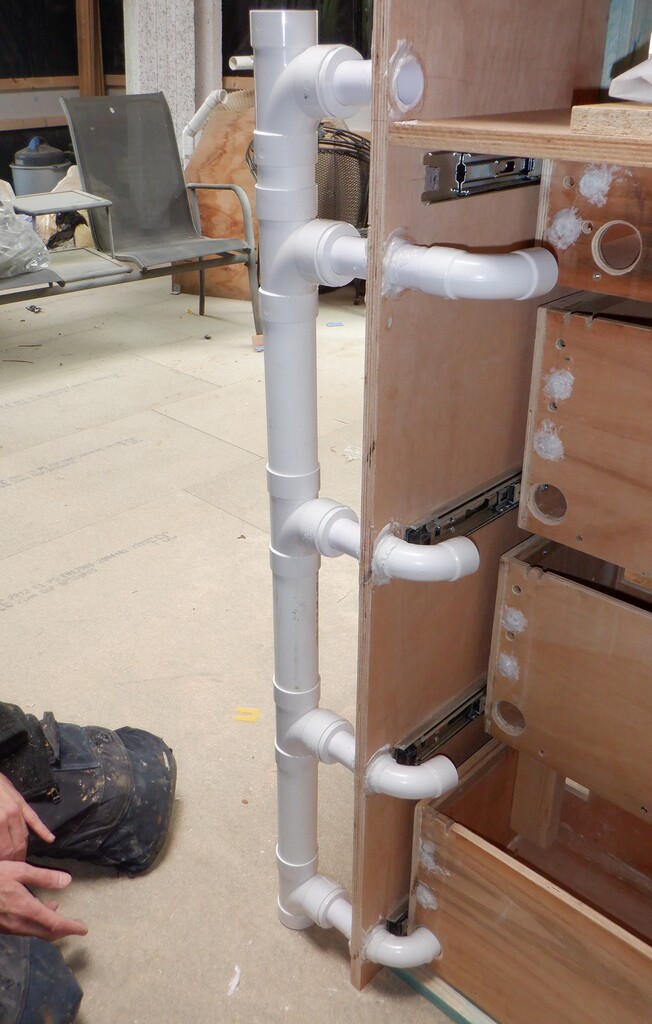
    We then turned the cabinet around so we could work on fitting an air duct to each drawer, to provide active cooling to make sure the system runs cool. We installed a vertical stack of 50mm wide plastic pipes with a series of T-junctions pieces with adapters fitted so we can have 32mm plastic pipes coming out sideways and have a sweep bends to enter into the back of each drawer. We got it just in the correct position so that a drawer can open and shut so that the ends of the pipes fits neatly in place and blow air inside the drawer. We assembled the pieces and then test fitted the whole cabinet into the Tech Cupboard, to make sure we could move it through the doorway and into the correct location on the left side of the cupboard which includes going around the metal Skylight leg too. It was successful so we proceeded to permanently glue the plastic into place using our PU construction glue which forms a very tough solid bonds.
    Construction of Battery Cabinet

    Air-supply-yo-the-draws

    Construction of Battery Cabinet

    Air-ducts-glued-in-place


    Next, we started mapping out the electronic equipment that will live on the shelf, including creating another front panel to cover the whole shelf. This being the fifth front panel move, above the four drawers. It had cut-outs for two master switches on the left hand side, a row of four rectangular cut-outs for the mains powered 50Volts chargers along the bottom (they are sitting on the shelf itself) and a display panel that will have four individual little displays showing the status of the four battery packs, this panel is located on the right side. then, each of the chargers will also have their own little display showing the voltage and current measurements of each charger. Finally, there is the usual air holes on the left side to allow the waste air to escape back into the Tech Cupboard and drawn away up in the ceiling.

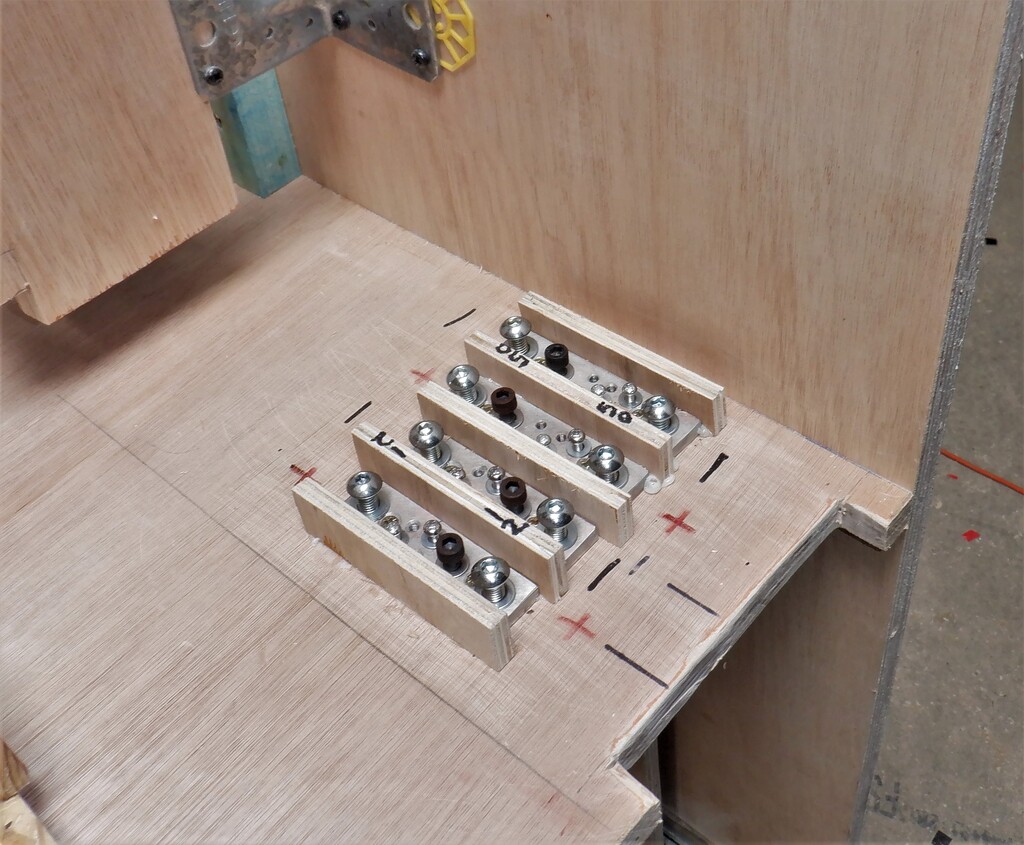
    One of the other jobs we did for this shelf, was to make bus bars and terminal blocks so that we could bolt on our heavy duty electrical wires and manage the connections inside the cabinet. We made four solid copper terminal blocks, measuring 100mm long by 25mm wide, and then drilled various holes into this 8mm thick bar which we then tapped a screw thread into the material so we could bolt down the tags that are crimped on to the ends of the various wires. We put a vertical small piece of plywood between each copper block so that they are isolated from each other, to avoid accidental shortages etc.

    Construction of Battery Cabinet

    Internal-distribution-blocks


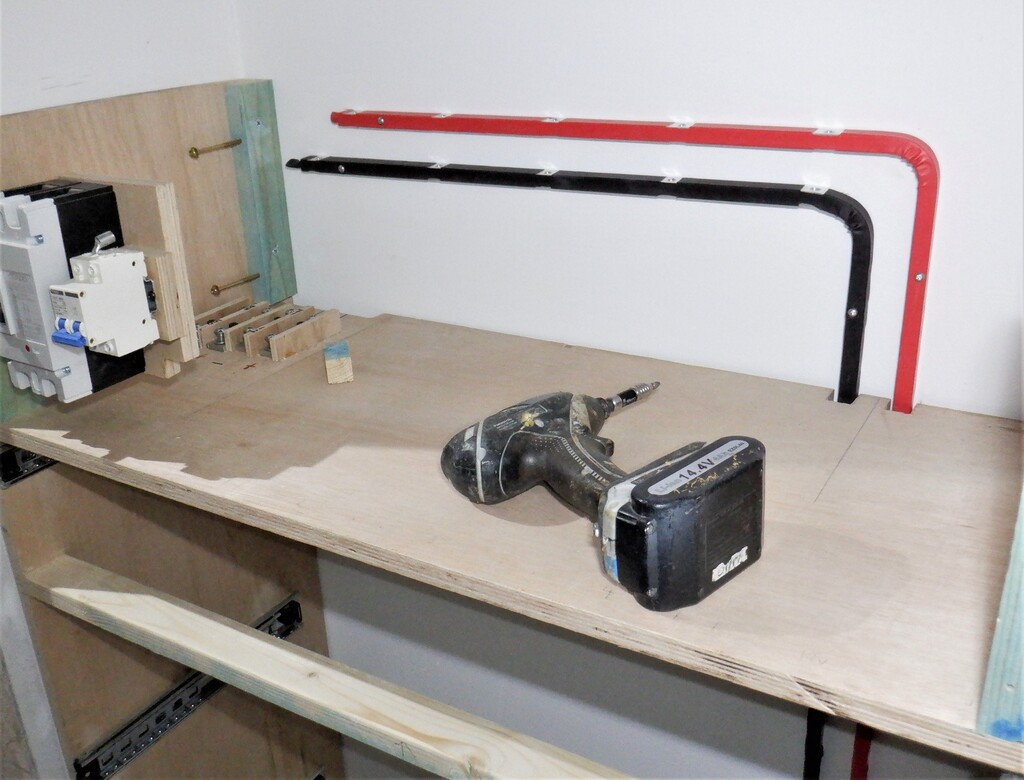
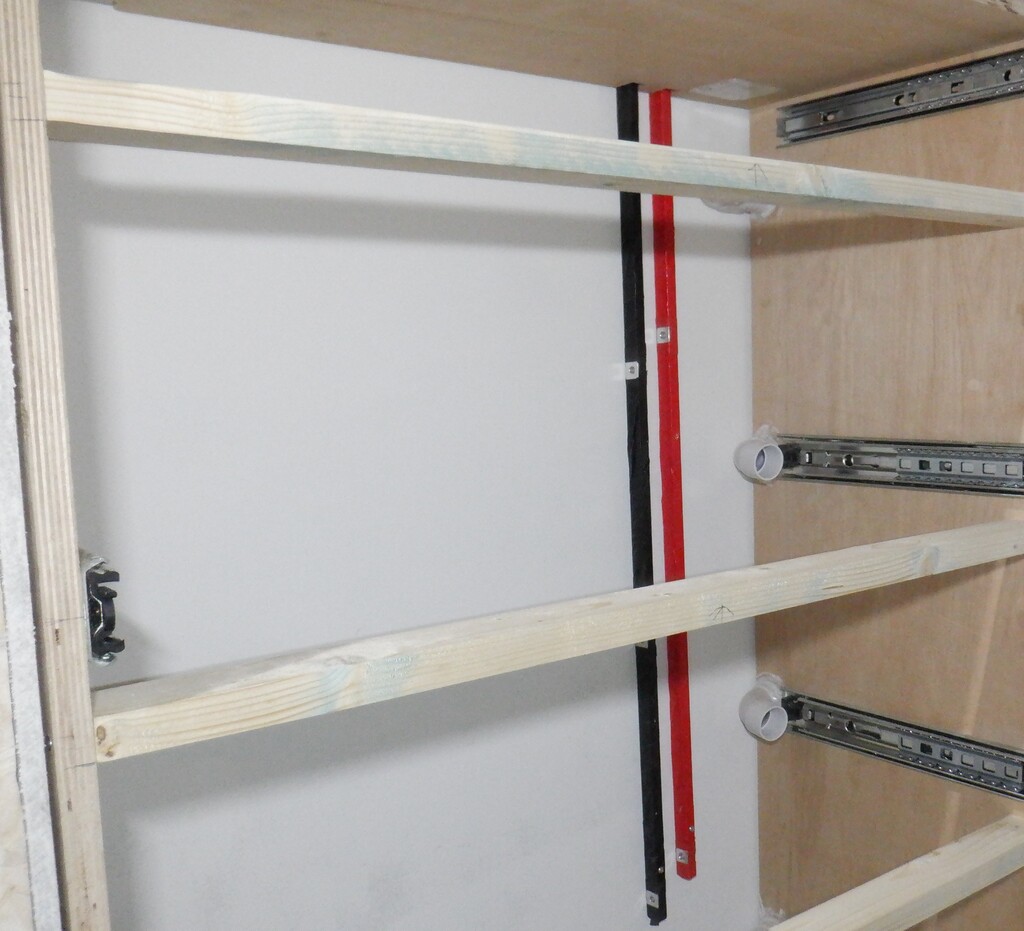
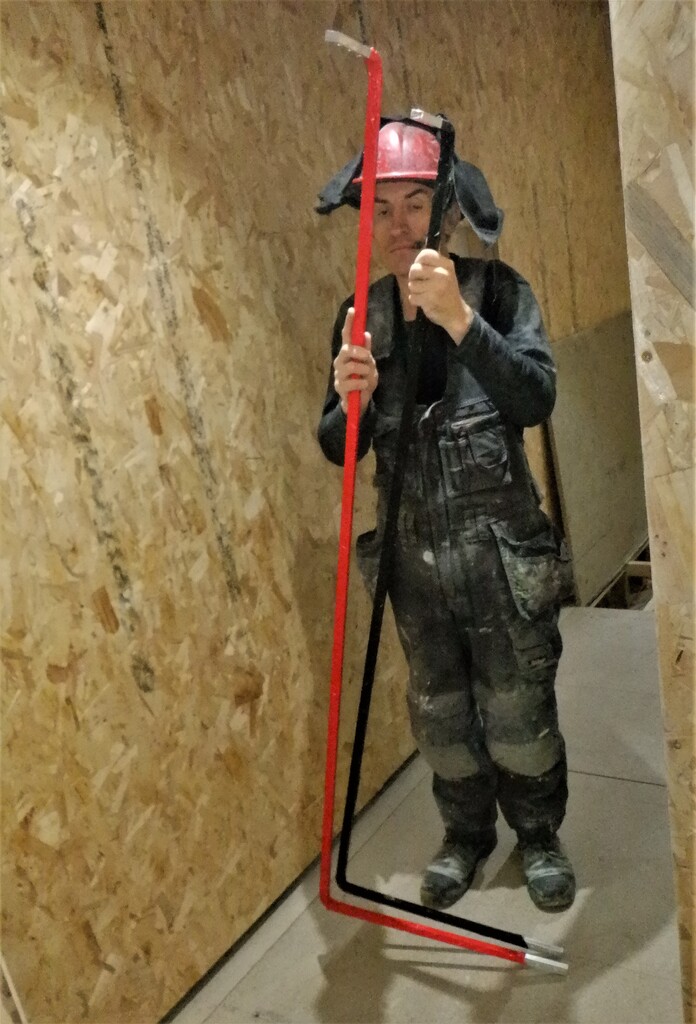
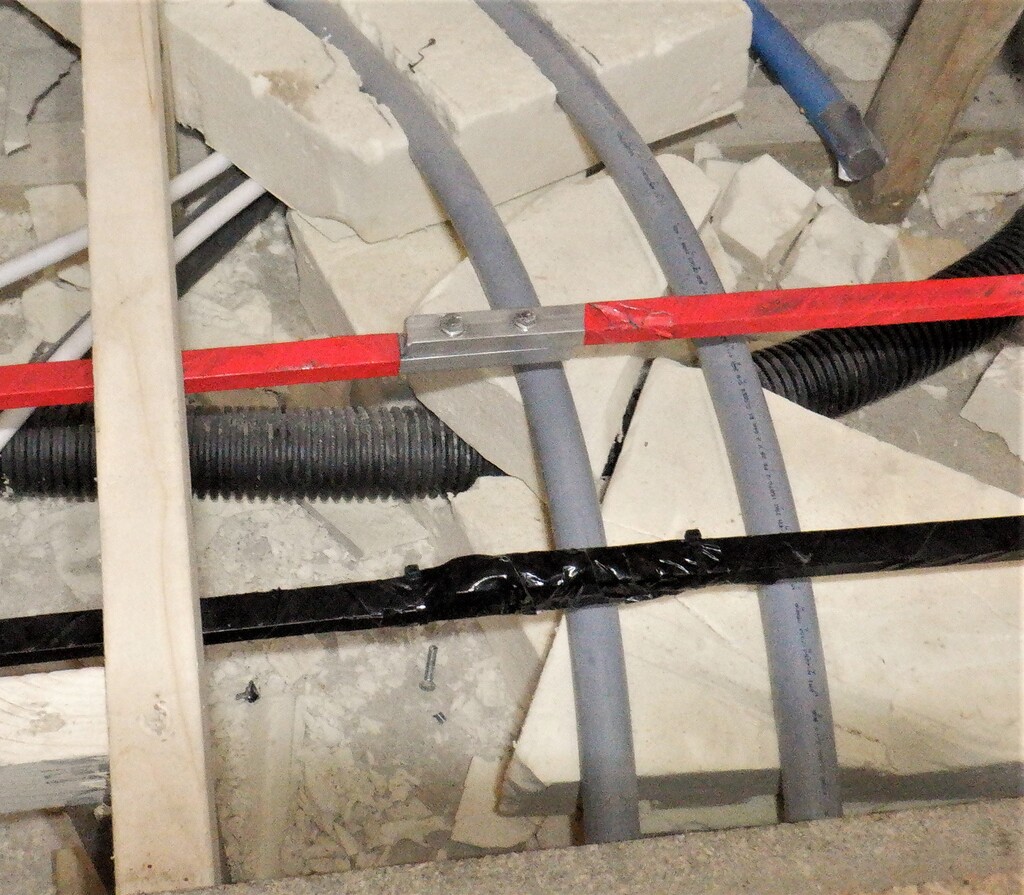
    Then we took two length of our aluminium bars 1700mm long, and drilled a whole collection of holes to provide more connection points, to and from, various chargers and to each 50Volt battery packs in their drawers. We bent the bar at the 600mm point so that it can be screwed to the wall of the Tech Cupboard where the cabinet is located and provide a high powered transfer of the 50Volts supplies inside the cabinet and send it out to the wider world via the master cut-off switch.

    We wrapped them up in red and black tapes but also slid on some giant heat-shrink tubing to provide a robust protection against electrical shorts on top.

    Next, we carried the cabinet into the Tech Cupboard for a test fit and then measured the spacings on the right and left side of the cabinet and the wall. We ripped sawn a length of 2by1 timber to make a filling in piece, the right side being 32mm wide tapering down to 23mm at the top of the gap. The other side was much thinner, only 10mm at the bottom and about 7mm at the top. We also screwed a couple of fixing battens at the top of the cabinet, at the rear, to provide an anchorage mechanism to secure the whole cabinet against the wall and prevent it tipping over when one of the battery drawers, containing 100kg of weight, is opened.

    Then, we screwed on the two bus bars onto the wall behind the cabinet, to get that ready.

    Construction of Battery Cabinet

    Internal-Bus-bars-1

    Construction of Battery Cabinet

    Internal-Bus-bars-2


    We painted it plain black, all the drawer front panels and the front facing edges of the cabinet itself too. We didn’t bother in doing anywhere else as it will be all hidden.

    Next, we drilled a series of extra conduit holes into the top of the right side of the cabinet to allow input and output of more cables and wires, some going upstairs to serve the rooms up there, but also, a smaller conduit going down to allow a data cable to be routed to and from the solar inverter box we have running in the Utility Cupboard, plus also this small conduit can have a 12Volt power cable threaded through to provide power for the network hubs and switches that we will have. Finally, we cut several holes into the floorboards to allow the 50mm air duct to be routed from underneath the flooring, that will be eventually connected to the main air duct out in our hallway.

    We were then ready at last, to install the cabinet into place, permanently. It got screwed tight to the wall, then some extra screws on both left and right sides and finally, a couple downwards into the floorboards, along the front rail. We inserted a 20mm conduit into the cabinet and down into the floor and connected a right angle adapter to the 50mm air pipe underneath the flooring too.

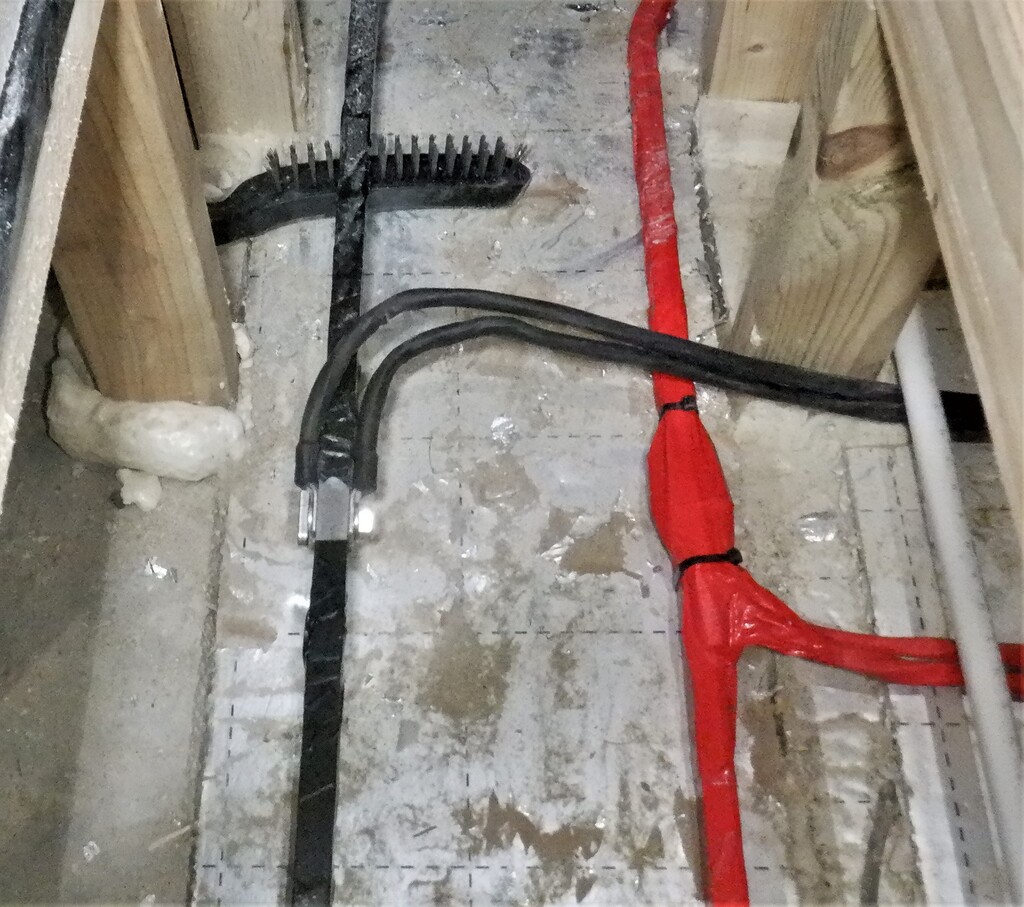
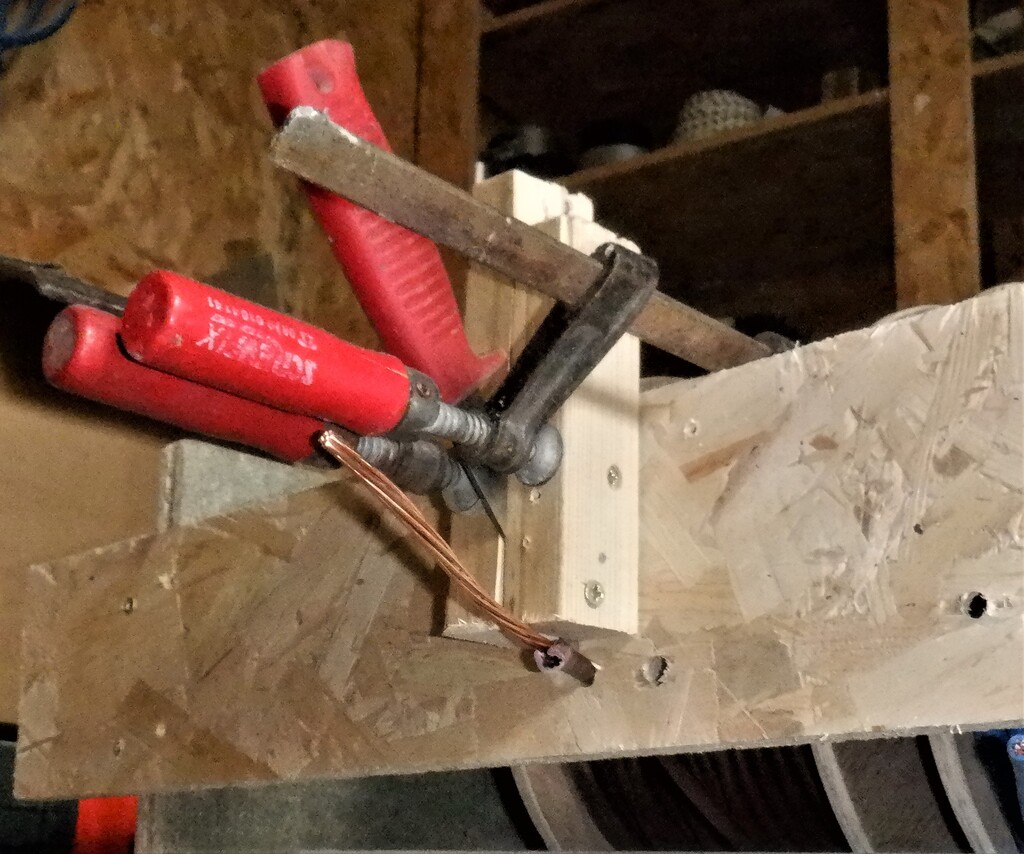
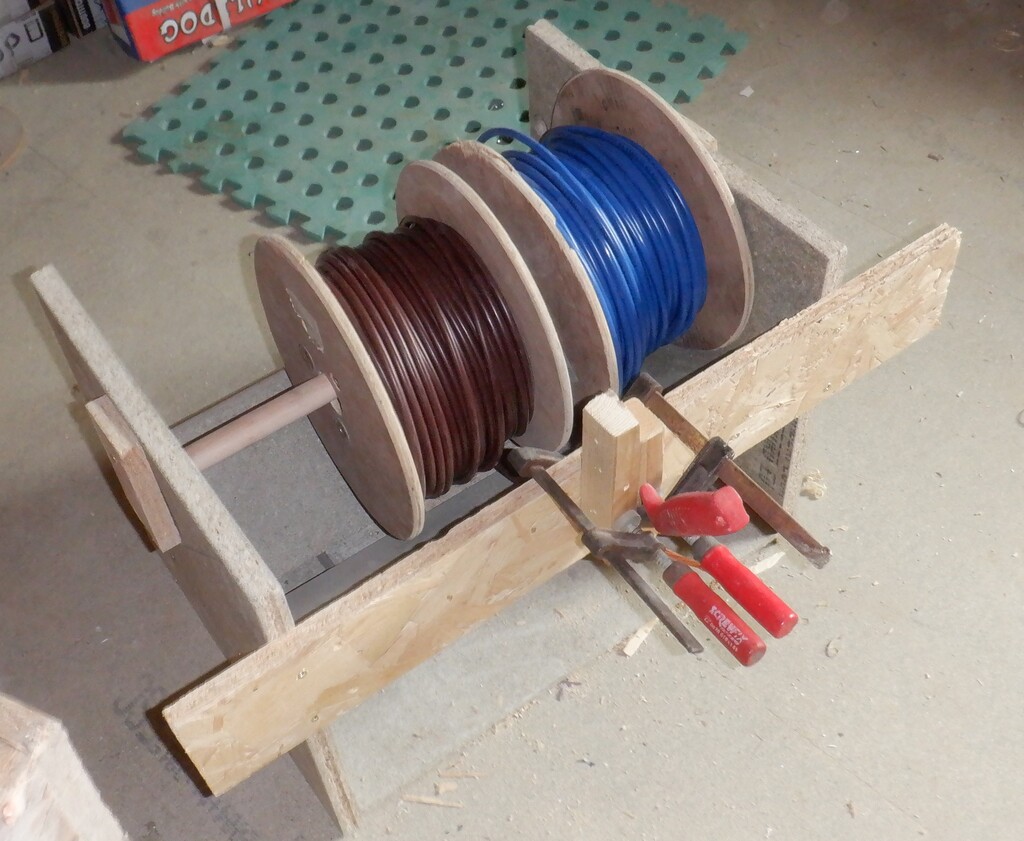
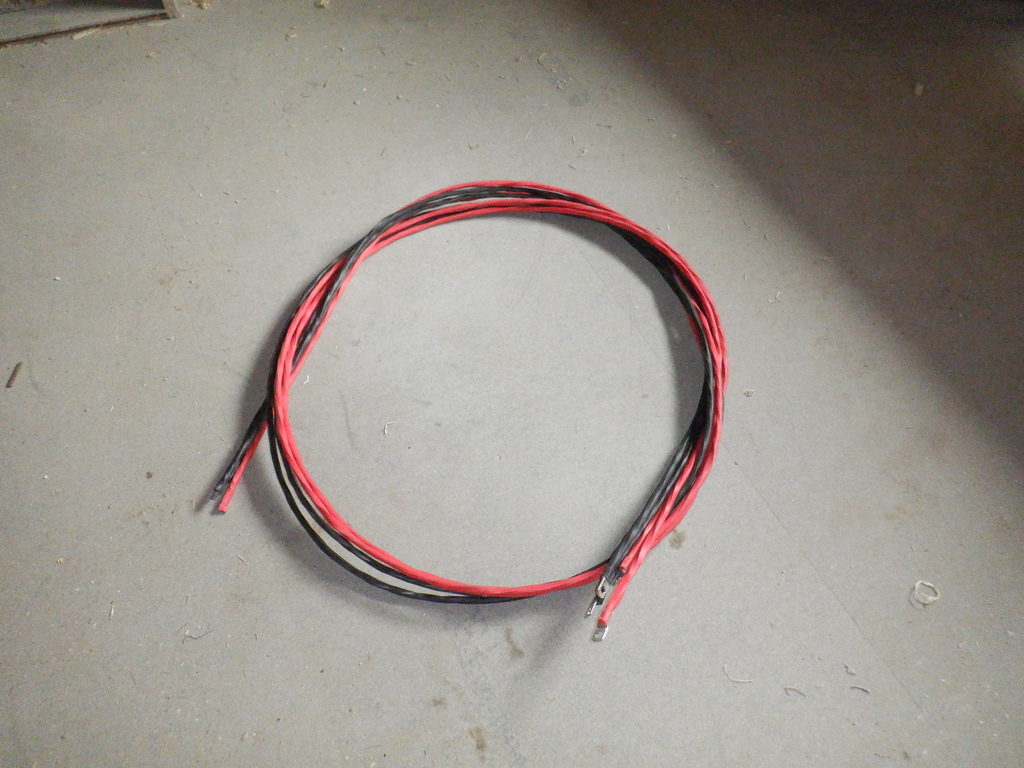
    The next job was to run some heavy duty electrical cables from the cabinet, down underneath the flooring and out to the hall and connect to our aluminium bus bars that we installed a couple of weeks ago. These cables we had made ourselves by stripping off the insulation off sixteen square millimetres (16mm²) copper cables, unwound the strands and joined two of them back together again to make a single thirty-two square millimetres (32mm2) single core which we slid on a replacement coloured heat shrink tubing. We made two of these for each half of the circuit, making a total of sixty-four square millimetres (64mm2) copper wires, capable to handle well over 200Amps of power without overheating or stressing the cables. We bolted the ends to the bus bar out in the hall and the other ends inside our battery cabinet, to our distribution terminal blocks up on the fifth layer. We also did a similar thing for our 12Volts line but only using a single home-made 32mm2 cable because we are only expecting and supplying a maximum of 100Amps.

    Construction of Battery Cabinet

    Connected-to-the-bus-bars

    Construction of Battery Cabinet

    From-bus-bar-across-the-hall

    Construction of Battery Cabinet

    Up-the-wall-to

    Construction of Battery Cabinet

    Main-breaker-connected-from-internal-bus-bars-to-the-main-bus-bars


    We also threaded in a couple of heavy duty mains 230V wires from our Consumer Unit, across under the floor and up at the back of the cabinet, ready to be distributed inside to our five mains powered chargers plus providing a electrical socket for any other pieces of equipment going up that side of the Tech Cupboard.

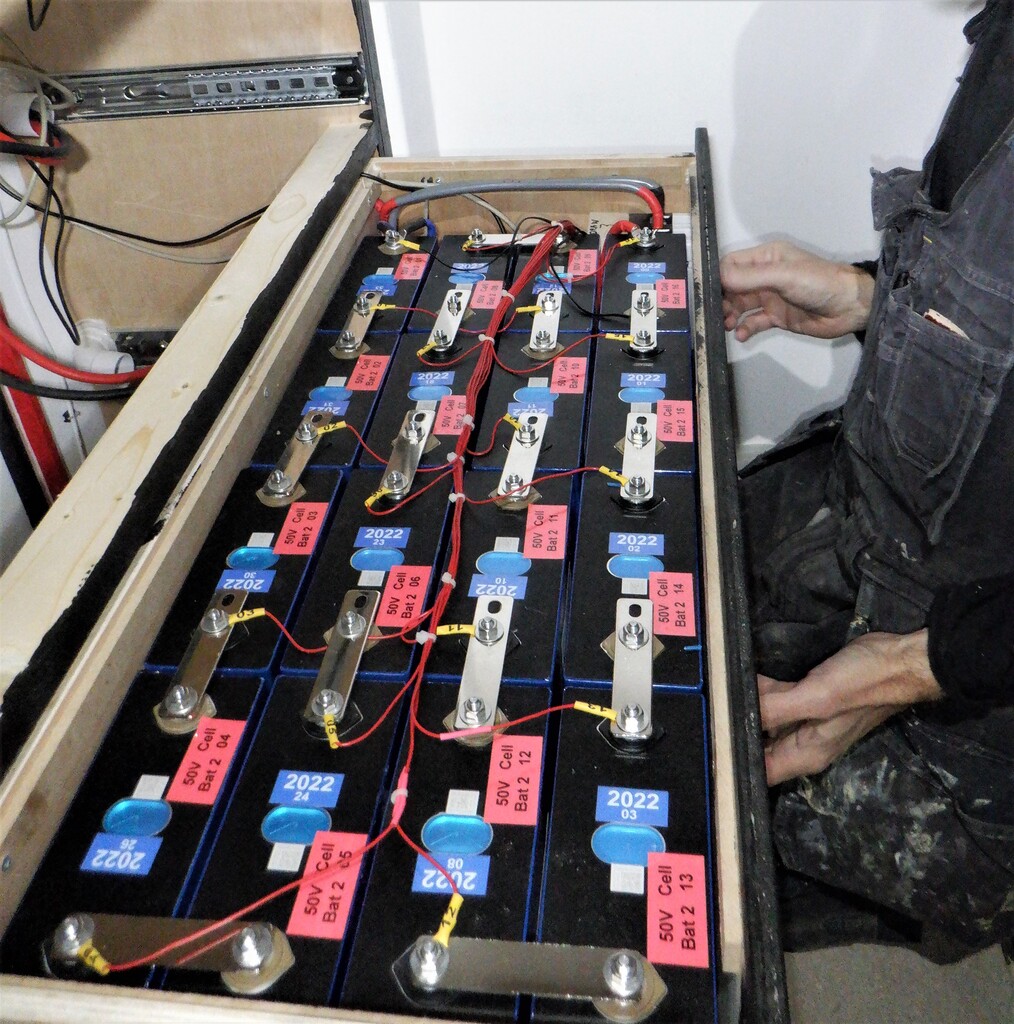
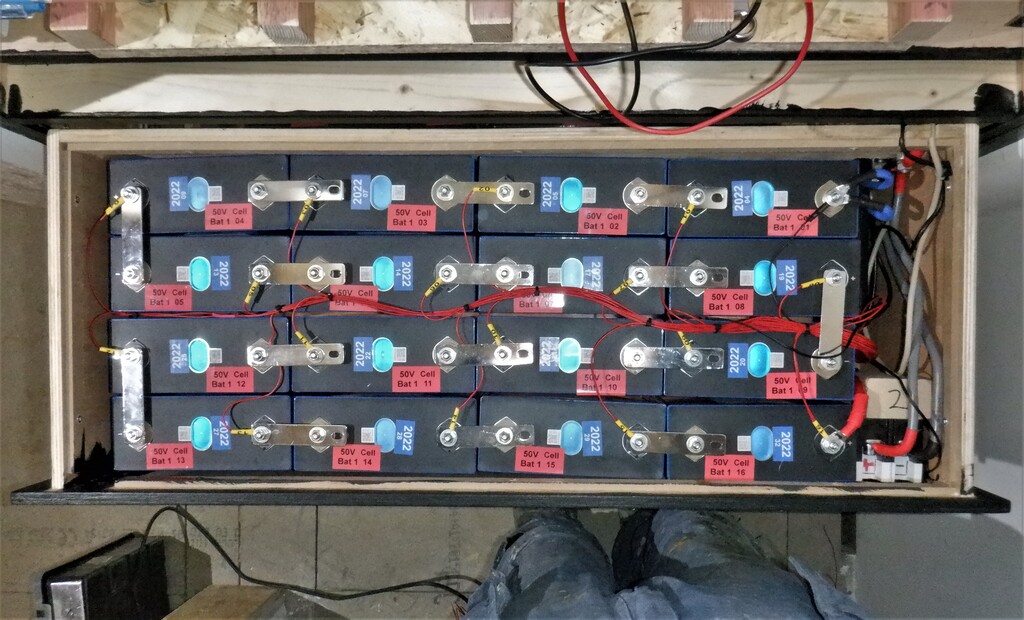
    Having done all the tasks that needed us to have access to install these various wires and cables, we could proceed to assemble an actual battery pack into a drawer. This meant that we needed to make up lots of thick heavy duty connecting electrical cables, ready to go into a drawer from the bus bar, connecting the switches, the computer and several data cables too. It took all day just to do one drawer! The sixteen individual cells all needed to be arranged so that we maximised getting them into the space inside the drawer, but have both the negative and positive terminals both at the right side of the drawer, ready to be connected to the computer and the isolating switch. We had to drill an extra hole into the solid copper bars so that we could pack the battery cells closer together. Also, the computer has monitoring wires attached to each of the sixteen cells so it can both measure what is going on, on each individual cell level, but also, transfer small amount of energy from one cell to another, to balance everything up. It is a very clever battery computer!

    Construction of Battery Cabinet

    Battery-50-2

    We repeated the whole thing over again to assemble our second battery 50Volt pack and got that one going as well.

    Construction of Battery Cabinet

    Battery-50-1

    We did all the proper safety checks, electrical tests before we switched on these drawers full of batteries. All is working just fine! Both battery packs are working and connects to the wider world of our house etc.

    This pretty much means that we got our battery cabinet finished, with only the 12Volt drawer to assemble and also to put the chargers into the fifth shelf which we will do later. The final test was to enable the Solar Panel system to deliver any excess solar energy and route it to the battery packs. But, unfortunately, our Inverter magic box doesn’t seems to want to do that. We thought we had configured it to reroute any excess Solar energy to charge the batteries but it kept wanting to use grid electricity instead.  We eventually realised that we had enabled the battery on the inverter with the battery switched off which made the inverter think the battery was flat and need emergency charging! We solved this by turning the battery on first then enabling it in the inverter and all was well, lovely solar energy charging the battery…

  • The Final String of Solar Panels and Equipment Ordered and Delivered

    We have been hunting around for a suitable Solar Panels to fit up inside our Skylight for the last couple of months and finally have discovered a particular source that is fairly close to the required size of 1200mm by 1030mm. Of course, when we had designed our Skylight ten years ago, we had the bright idea of building our own solar panels by buying the actual silicon wafers themselves and assembling them into a flat grid to capture the sunshine etc. because the price of the factory built panels were very high in those days. But in ten years, the price has fallen off the cliff like a large rock and it no longer made any practical sense to make our own ones when we could buy a fully working panel for peanuts! But because of economies of scale these smaller 200W panels cost more than the more popular 400W large panels!

    The Final String of Solar Panels and Equipment Ordered and Delivered

    New-panels-for-skylight


    These panels are the closest we could find to fit our windows but there is a narrow strip where it doesn’t quite cover the transparent part of the window. We will just fill in the gaps with insulation foam board pieces.
    We have ordered eleven panels for our eleven windows, each generating around the nominal 200Watts so that means another 2200Watts of energy, to add to our solar system.
    The Final String of Solar Panels and Equipment Ordered and Delivered

    Fit-panels-into-these-gaps

    The Final String of Solar Panels and Equipment Ordered and Delivered

    Down-this-side-of-the-skylight


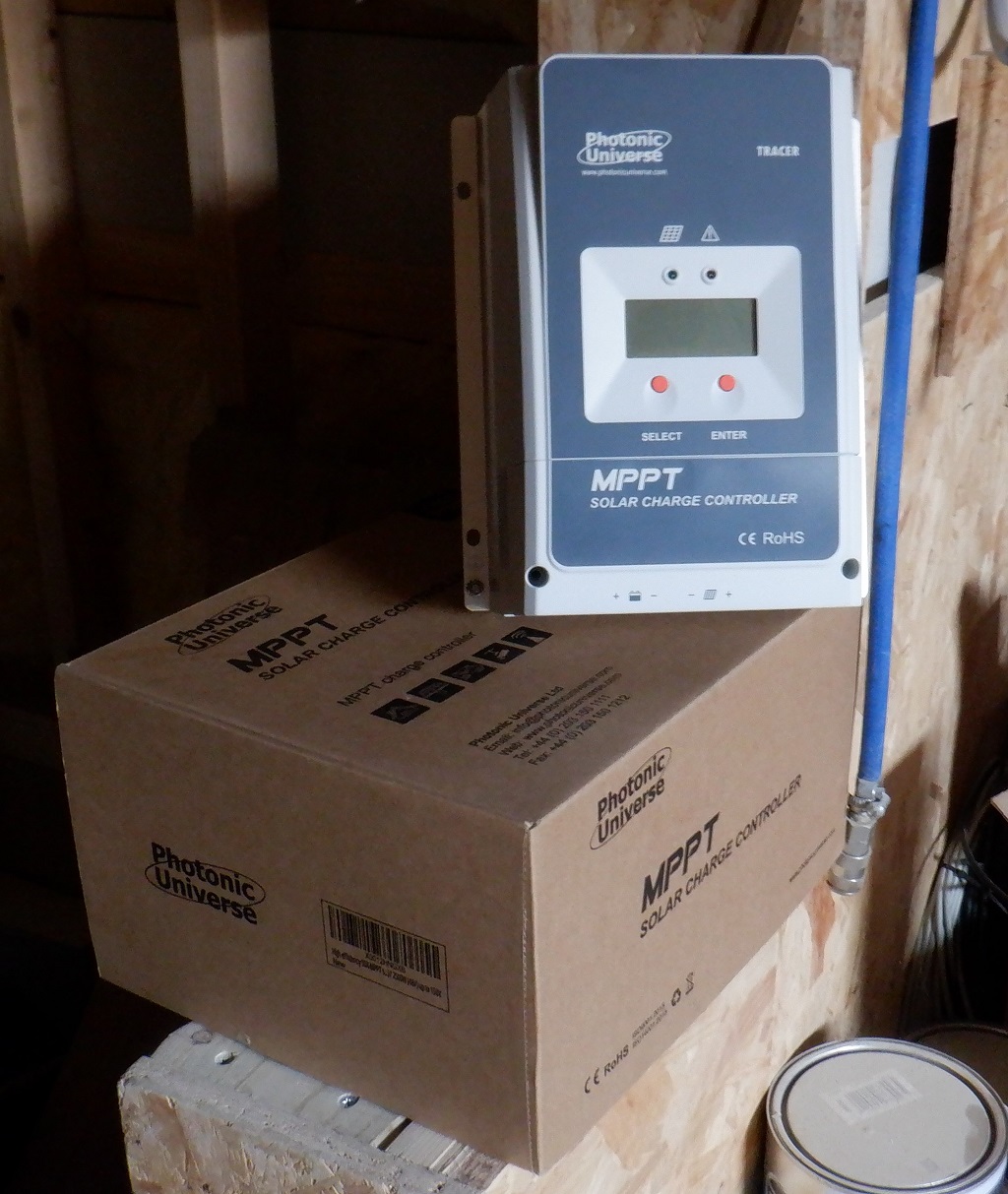
    To convert the Solar energy into suitable voltages for charging our battery packs, we bought two solar chargers, to produce either 12Volts or 50Volts. We can select which battery we would like to charge depending on whether it needs topping up or not.
    The Final String of Solar Panels and Equipment Ordered and Delivered

    Solar-charge-controllers


    We will connect the panels into 2 strings of 4 panels and 1 string of 3 panels.
    This concludes the purchasing of all our Solar Panels and equipment, completing our investment into going Green and trying to reduce our dependency on the incredibly high electricity prices.

  • Installation of the 50Volts Electricity Bus Bars to Connect Solar Inverter to Our Battery Packs

    We started the process of installing a heavy duty electrical Bus Bar that will carry the power from the Solar Panels via the Inverter to our battery packs in the Tech Cupboard. The inverter can handle up to 5kW, in either converting the solar energy into battery voltages (which is 50Volts) or is taking the battery power and converting it into mains 230Volts electricity. This means that the 50Volts bus bars will have to carry up to 100Amps to maximise the 5kWatts capabilities of the Inverter box. But, this 100Amps is only half the story, we are going to be wanting to distribute this source of power all over the house, to power the various pieces of equipment, like for example, all the lighting in all the rooms and also air duct heaters just to name one or two things. With this in mind, we need to have a ceiling of around 200Amps to make sure we can handle the peak loads at certain times of the day. We probably will never see that kind of power requirements, but, just in case.
    With this in mind, 200Amps means that we need to have electric wiring that is about sixty-four square millimetres (64mm2) of copper wires in open air. Just for comparison, the usual domestic wiring for putting a ring mains around a room uses a 2.5mm2,to give about 20Amps. But, copper wires are very expensive and we need at least 25metres for the main part running from the Tech Cupboard and in both directions down the halls. So, we bought, several years ago, Aluminium solid metal bars measuring 19mm by 12mm (228 mm²). Aluminium is a pretty good conductor of electricity (although the alloy in the bars is not as good), so it’s not very far behind Copper in world terms.

    So we mapped out where we wanted the 50Volts bus bars to go down the hall, entering the Utility Room, avoiding the other pipes and conduits already there, turning the corner and heading for the Plant Cupboard at the other side of the room. It needed quite a few bends and we had already a heavy duty metal bar bender that we screwed down on to our work table in the Garage. We did have to heat up the Aluminium bars with a gas torch to help with the effort of bending in the 19mm direction. We also had our big table top vice mounted here on the table so we can give some of the bars a 90 degree twist, in order to get the direction going in the correct orientation.

    Installation of the 50Volts Electricity Bus Bars to Connect Solar Inverter to Our Battery Packs

    Multi-bend-bus-bars-from-utility-to-hall

    Each section are then joined together by overlapping about 100mm of the two bars, rubbing the contact surfaces clean of oxidation and quickly applied a thin layer of zinc impregnated grease and clamped together using two nuts and bolts to squeeze the joint very tight indeed, forcing the grease to be expelled and leaving behind the zinc metal filings to ensure a good electrical low-resistance connection. The grease will also stop the join from oxidising over the years.

    Installation of the 50Volts Electricity Bus Bars to Connect Solar Inverter to Our Battery Packs

    Busbar-joint-

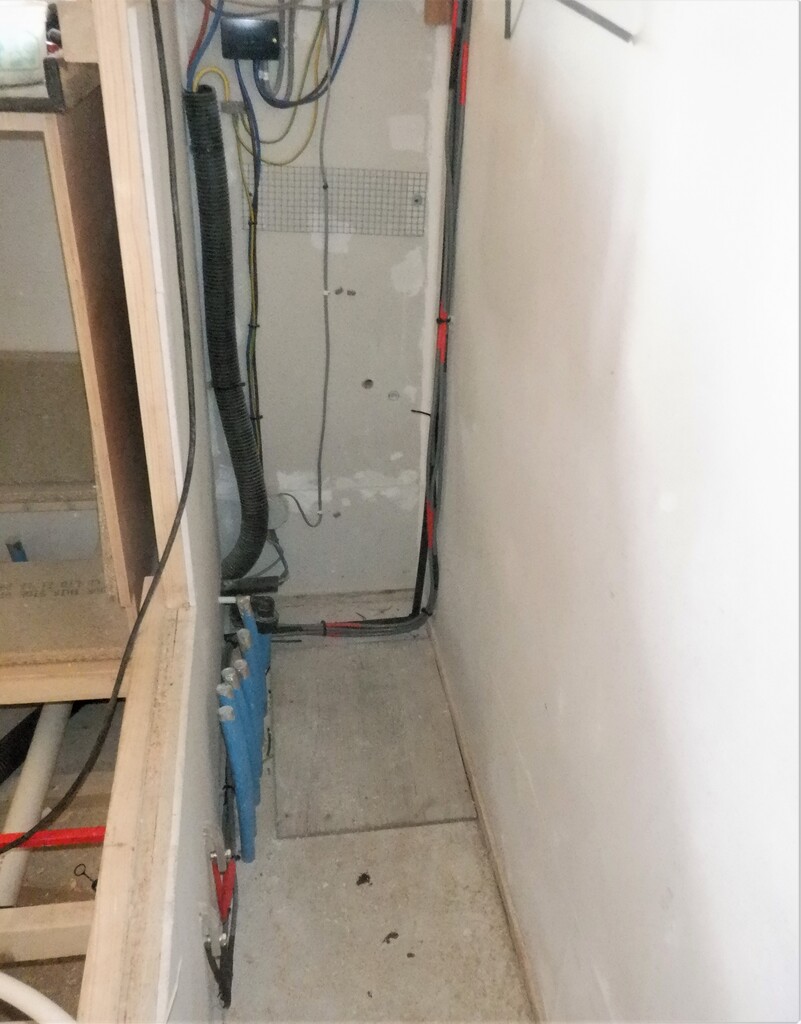
    We now have a pair of aluminium bars running all the way from the Plant Cupboard in the Utility Room, across the room, into the hall and nearly all the way to the Kitchen, going pass the Tech Cupboard. They have been wrapped up in coloured duct tape to protect against accidental electric shorts.

    Installation of the 50Volts Electricity Bus Bars to Connect Solar Inverter to Our Battery Packs

    Bus-bars-entering-the-plant-cupboard

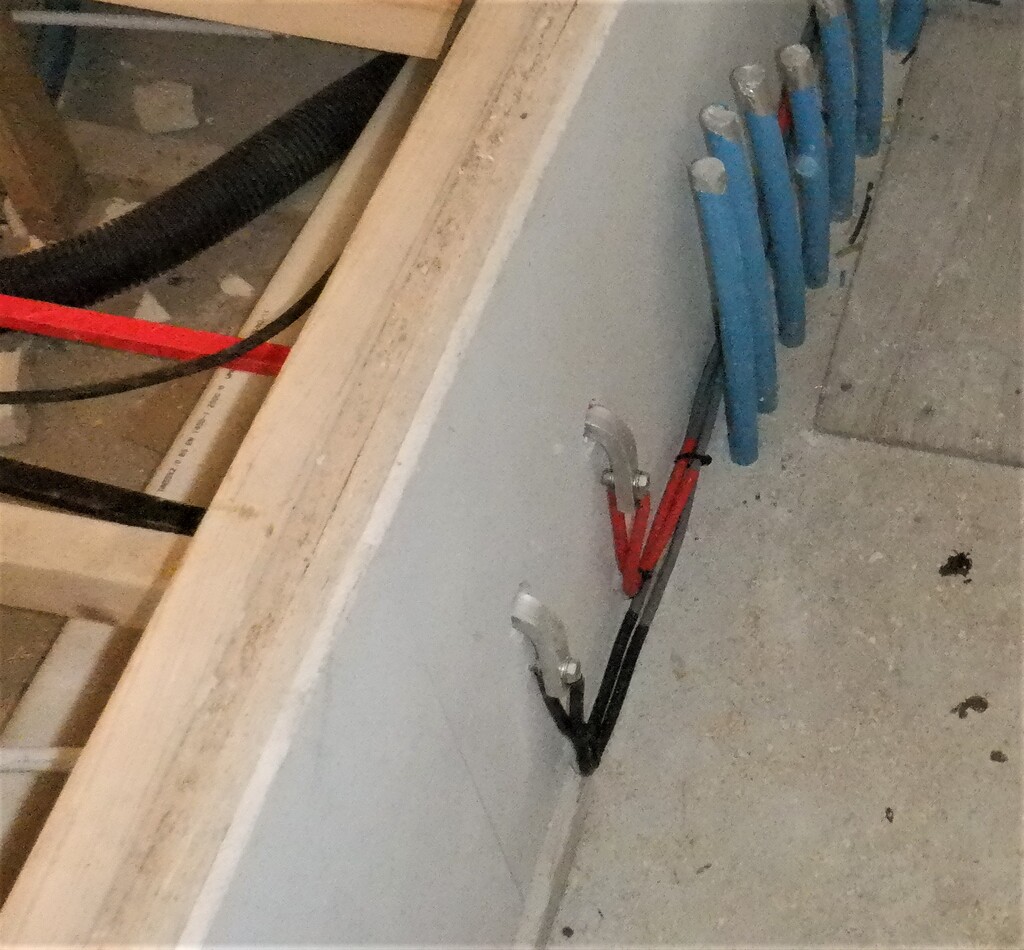
    Then, we took a pair of twenty-five square millimetre (25mm2) cables and crimped mounting tags on the ends, and connected this pair to one of the aluminium bars coming into the Plant Cupboard, putting on red heat shrink tubing to colour code it. We did the same again but for the other aluminium bar, the negative side, colour coded as black. All four cables were then sent along inside the cupboard and then across and finally, up the wall to terminate in the cut-off switch that is located just underneath the Inverter box.

    Installation of the 50Volts Electricity Bus Bars to Connect Solar Inverter to Our Battery Packs

    Changing-to-dual-25mm²-cables-to-connect-to-the-inverter

    Installation of the 50Volts Electricity Bus Bars to Connect Solar Inverter to Our Battery Packs

    Through-a-isolation-switch


    Installation of the 50Volts Electricity Bus Bars to Connect Solar Inverter to Our Battery Packs

    Acrross-utility-room

    Installation of the 50Volts Electricity Bus Bars to Connect Solar Inverter to Our Battery Packs

    Down-to-the-bottom

    Installation of the 50Volts Electricity Bus Bars to Connect Solar Inverter to Our Battery Packs

    Allong-the-hall

    Installation of the 50Volts Electricity Bus Bars to Connect Solar Inverter to Our Battery Packs

    Past-the-Tech-cupboard


    Next, we repeated a similar task, but this time, for the Tech Cupboard, and this time, we used four sixteen square millimetre (16mm2) wires, but this time, we stripped off the original insulation, joined two of them back together by spreading apart the individual strands and remerging them back together to form a single thirty-two square millimetre (32mm2) copper wire, recovered in a single piece of more coloured heat shrink tubing. We made two of these so the total capacity is sixty-four square millimetre (64mm2) which will be plenty to carry at least 200Amps. Again, we repeated this process and produced another twin wires set but in black for the negative side. These heavy duty cables were then bolted onto the aluminium bars out in the hall, just outside the Tech Cupboard and then threaded through drilled holes in the floorboards inside the cupboard, right flushed against the left side wall where we are going to have our battery cabinet.

    Installation of the 50Volts Electricity Bus Bars to Connect Solar Inverter to Our Battery Packs

    Knife-slits-the-insulation

    Installation of the 50Volts Electricity Bus Bars to Connect Solar Inverter to Our Battery Packs

    whilst-the-cable-in-unrolled

    Installation of the 50Volts Electricity Bus Bars to Connect Solar Inverter to Our Battery Packs

    Made-up-32mm²-copper-cables


    That concludes the main bus bars and connections to the two cupboards, next we will be designing and building the battery cabinet with four drawers and one shelf to store the battery cells, computers, display modules and charger modules.

  • Delivery of Lithium Iron Phosphate Cells

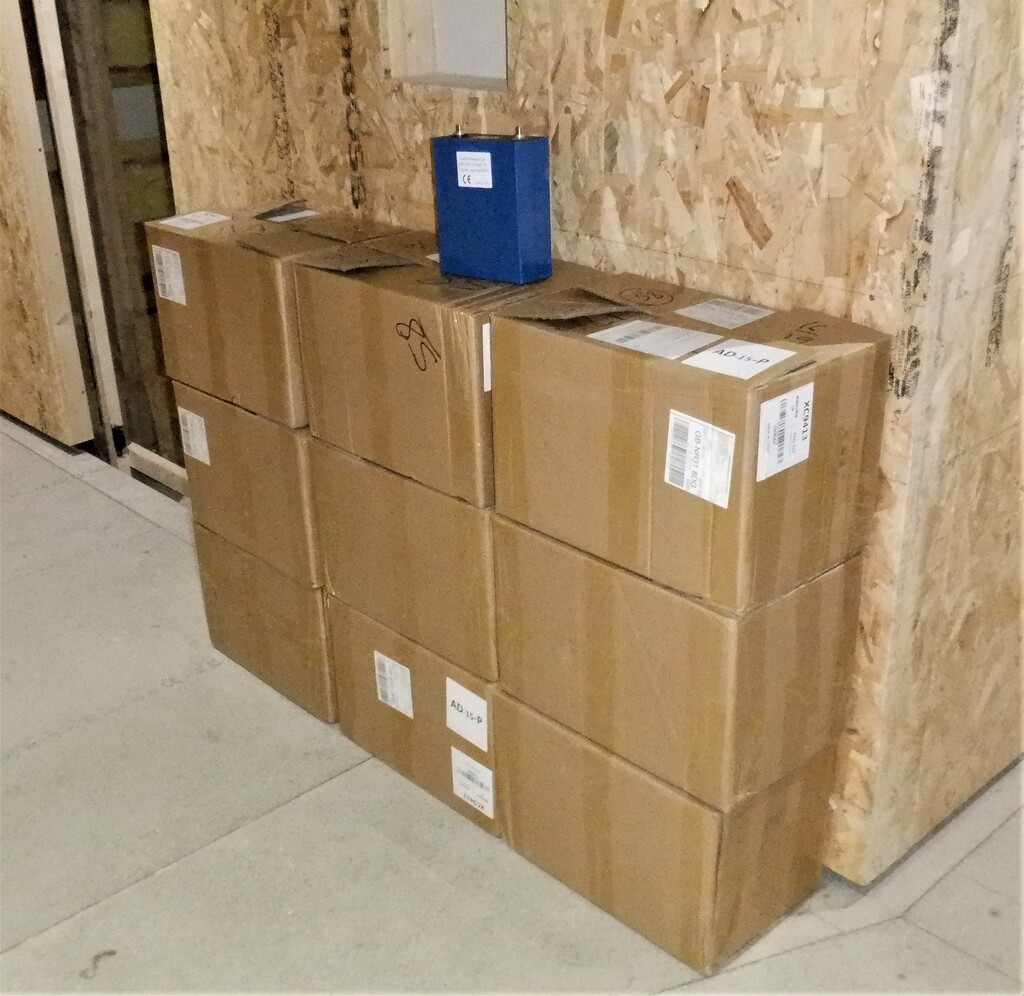
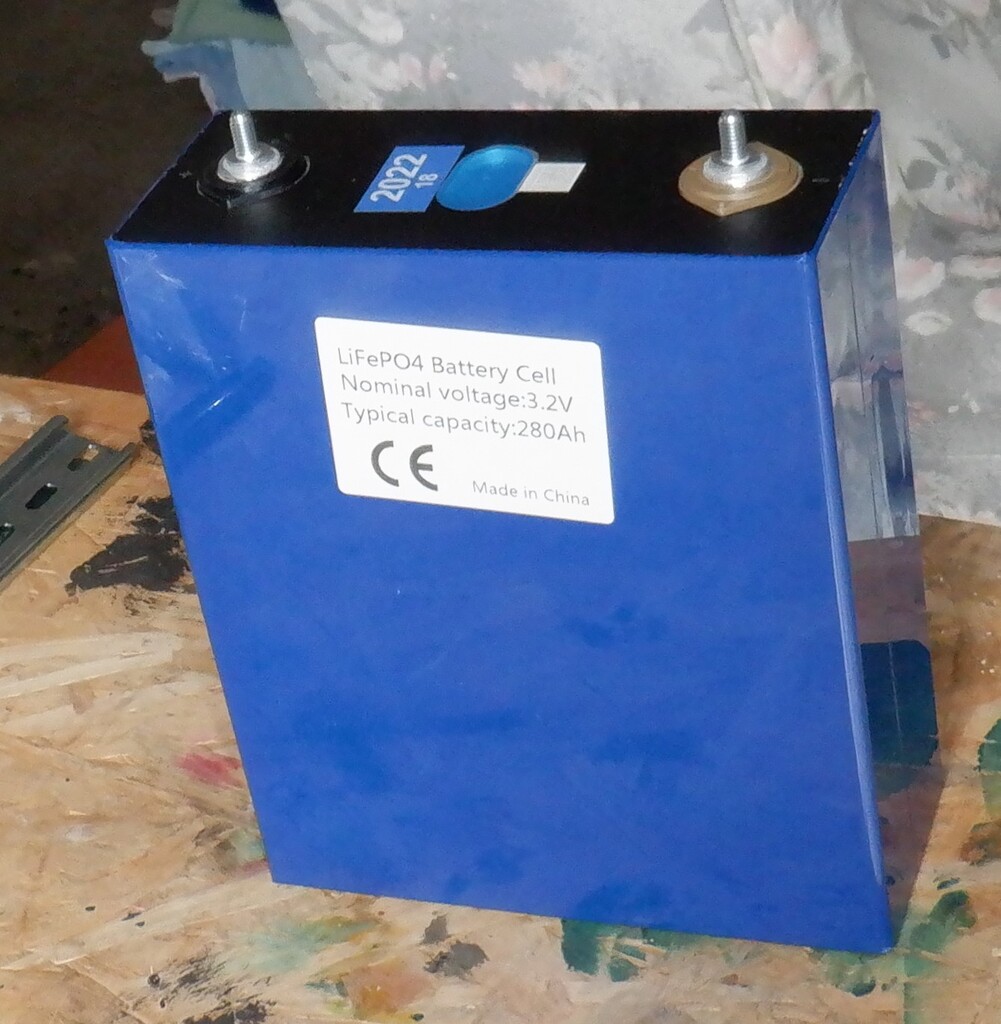
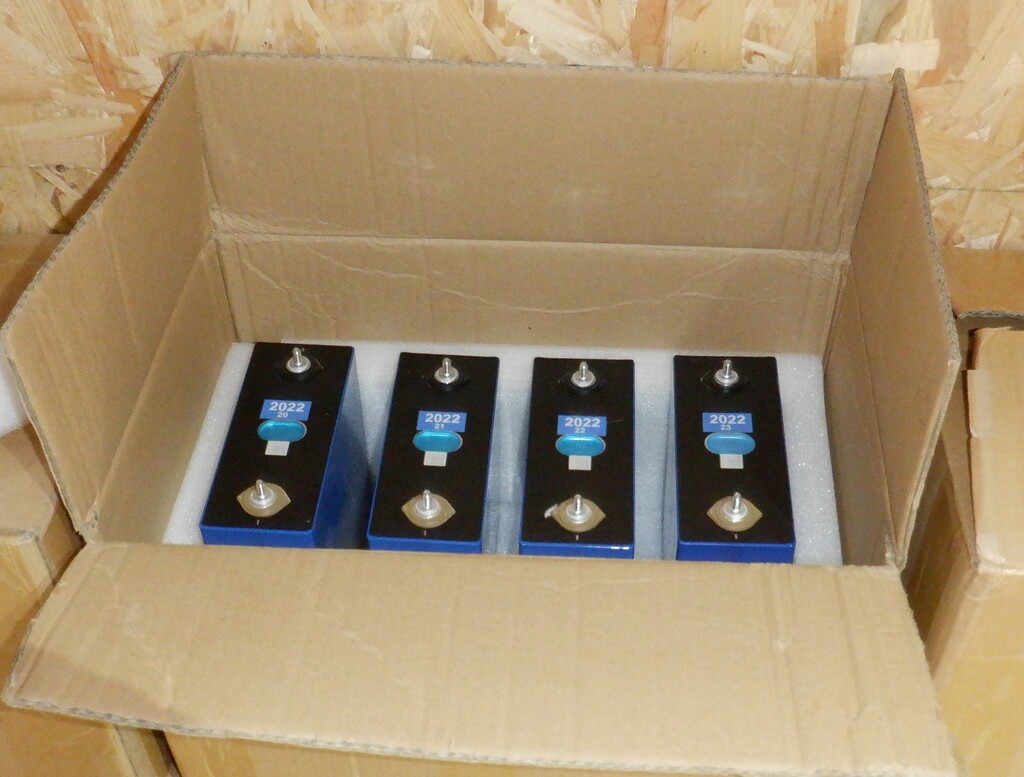
    We had the delivery of our long-awaited lithium iron phosphate (LiFePO) cells, arriving in two separate assignments, 5 boxes yesterday and the 4 boxes today.

    Delivery of Lithium Iron Phosphate Cells

    nine-boxes-of-cells


    We now got thirty-six large cells, ready to be combined into three separate battery packs, two of them being 50Volts and the third 12Volts. The 50Volts packs are both approximately 15kWh capacity and the 12Volts is just under 4kWh.
    Delivery of Lithium Iron Phosphate Cells

    A-290Ah-LiFePO-cell

    Delivery of Lithium Iron Phosphate Cells

    each-box-holds-4-cells


    Each cell measures 174mm tall, 220mm wide and 72mm thick, weighs about 6kg, so we will need strong and sturdy shelves to hold 16 of them (96kg!) in our Tech Cupboard.

  • Stage One of Mounting of Solar Panels on Roof

    We started the new week with a new complete change of project, with the installation of our new Solar Panels on our slate roof. We have seventeen panels to mount, ten on the M roof (overlooking the Swimming lane, slightly West of South) and seven out on the P roof (overlooking our Patio, pointing slightly East of South), using a collection of metal brackets and horizontal aluminium rails.
    But, we have to make this job as easy and safe first, so we pulled out four old scaffold platforms we had stored and re-assembled them. We put two in the alcove formed by the L, M and N segments of the house, and anchoring then to the walls by hooking a thin piece of plywood behind the window wings and joining the two module together too. We put up safety boards along the edge of the platforms to provide tactile warnings of the looming edges and then tied a ladder up against one of the shorter edges.
    We did the same around the corner in the Patio area so we can gain access to the P roof section too.

    One of the jobs we did prior to this point, was to paint about a third of the metal brackets with a primer and black paint, to match the black colour of the Solar Panels but also our dark slate tiles too. We didn’t want to have silvery gleam poking out around the edges of the panels.

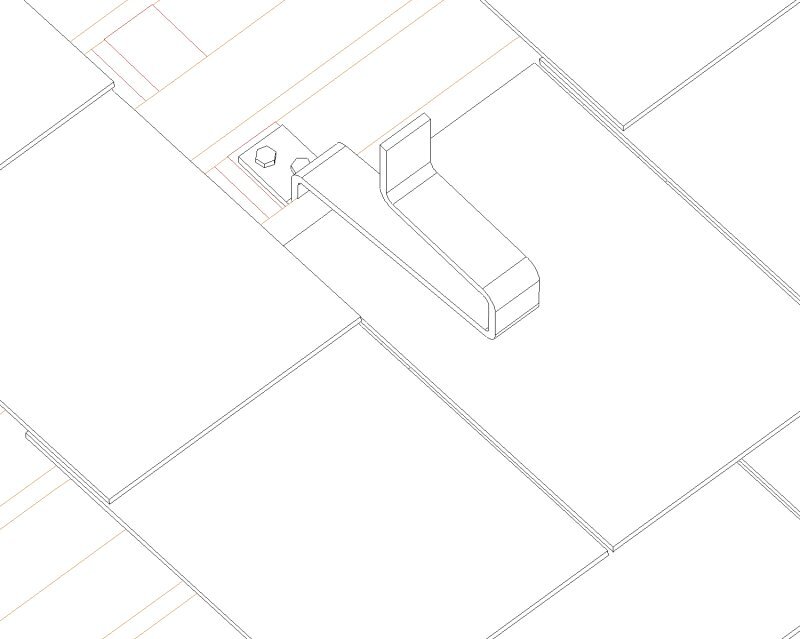
    So, we then proceeded to install these chunky metal brackets, using the black painted ones where they would be seen, and the unpainted ones in the middle. We needed eight rows of brackets, grouped into four sets, as we have four rows of panels  on this M roof segment. The first row from the bottom is a single panel and it has four brackets. We twisted the slate hook sideways to release the slate and then able to slide it downwards with a strong wiggle and tugs. We calculated that the first position for the brackets would be eight rows of tiles from the bottom of the roof, aligned up on the main roof rafter underneath. We removed half dozen tiles to exposed the vertical batten and then we could screw the metal bracket using 100mm heavy duty coach screws, two of them for each bracket down on the batten and screws deeps into the main structural rafter underneath.

    Remove-Slates-to-expose-rafter-and-fix-hook

    Remove-Slates-to-expose-rafter-and-fix-hook

    Stage One of Mounting of Solar Panels on Roof

    Notch-slate-below-hook-and-refix


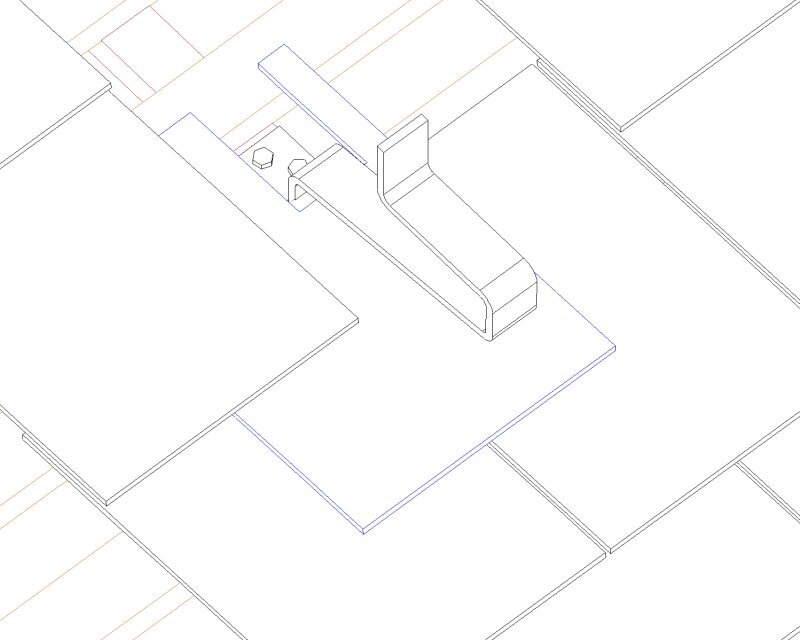
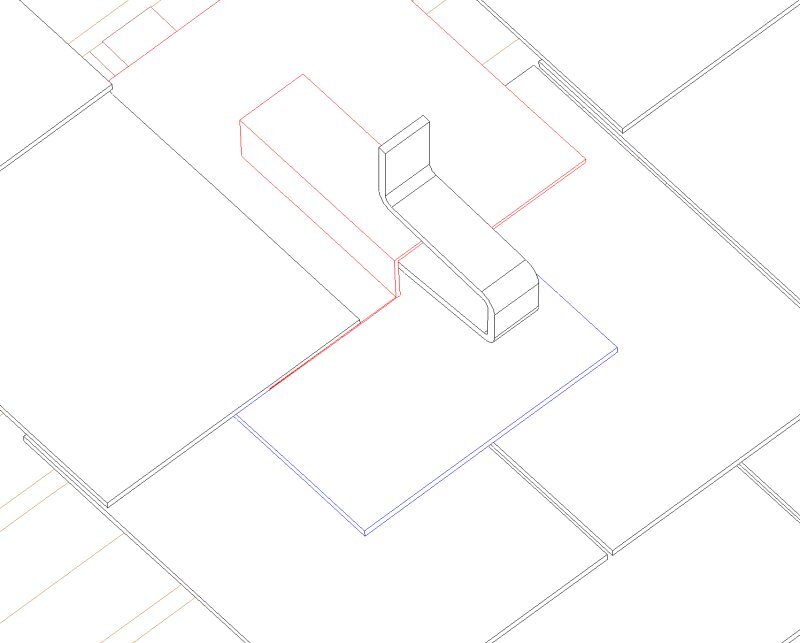
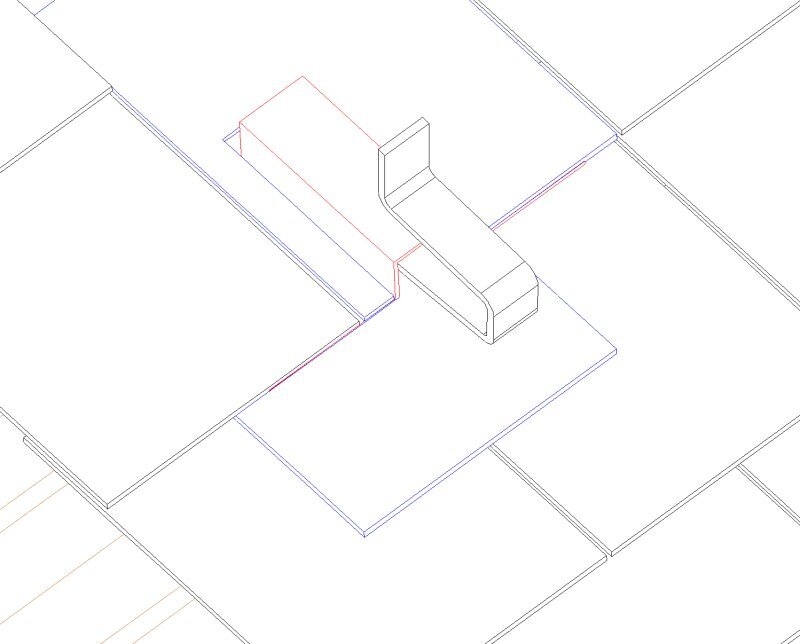
    Then we put a plastic flashing protector over the bracket and cut each slate to fit around the “nose” that is sticking up above the surface of the slate tiles. Usually we needed to trim three slates and sometimes we had to remove the original hook nail and had to nail the newly shaped tile in with old fashioned copper nails instead. It was quite a task to wiggle the slates back into place, sometimes needing to remove more, just so others could go back in again.
    Stage One of Mounting of Solar Panels on Roof

    Place-flashing-over-hook

    Stage One of Mounting of Solar Panels on Roof

    Notch-slate-around-flashing-and-replace


    It was a fairly slow process and we had thirty-six of them to do for this roof and it took us three days to complete this task.
    The placement of the brackets were mapped out so that the set of ten panels were positioned as far leftwards as possible, to avoid the potential shadow created by the ridge line on the right side of the roof.
    Stage One of Mounting of Solar Panels on Roof

    M-First-2-brackets

    Stage One of Mounting of Solar Panels on Roof

    M-First-5-rows-of-brackets

    Stage One of Mounting of Solar Panels on Roof

    M-All-8-Rows-of-Brackets


    We were interrupted with this job by rain on Thursday and other commitments on Friday, so we worked indoors installing a 40mm flexible conduit to take the four solar panel cables, all the way from the Skylight near the Great Room, right along to the other end, routed down inside one of the rafters to the external wall position and then along the floorboard into the corner that is over the Utility Room downstairs, where we drilled a hole through the ceiling panel and the lid to the Equipment Cupboard and stop just inside. We can now thread the the four separate double insulated 4mm copper wires all the way from the control box to the panels outside on the roof. The last job, which we haven’t done yet, is to drill a hole or two through the kerb wall itself, up in the Skylight to provide that final access for the wires to get out onto the roof.

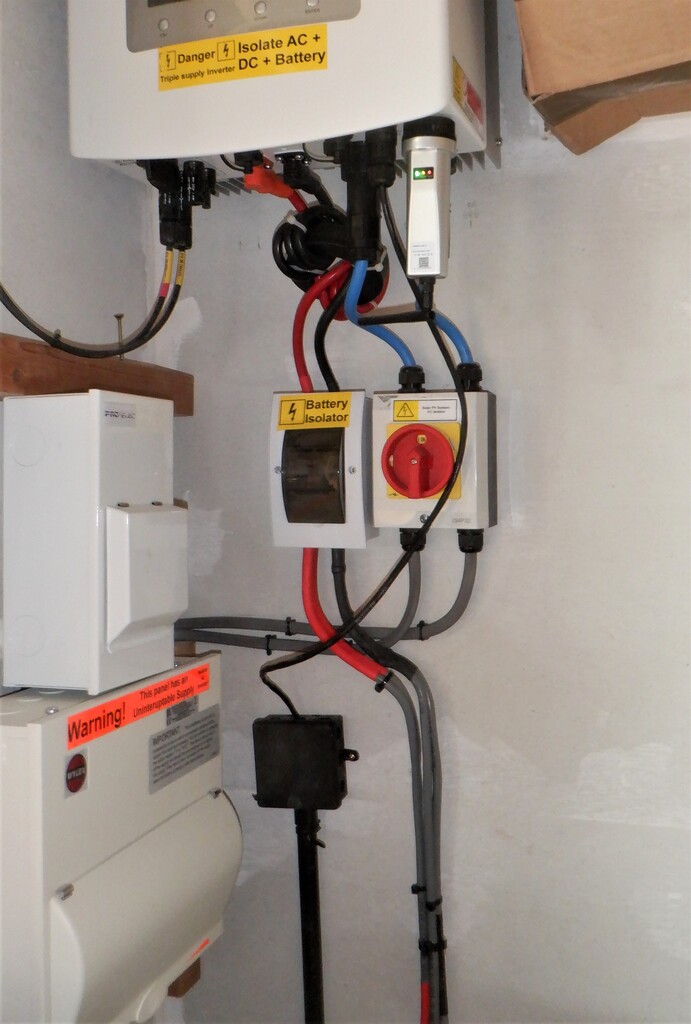
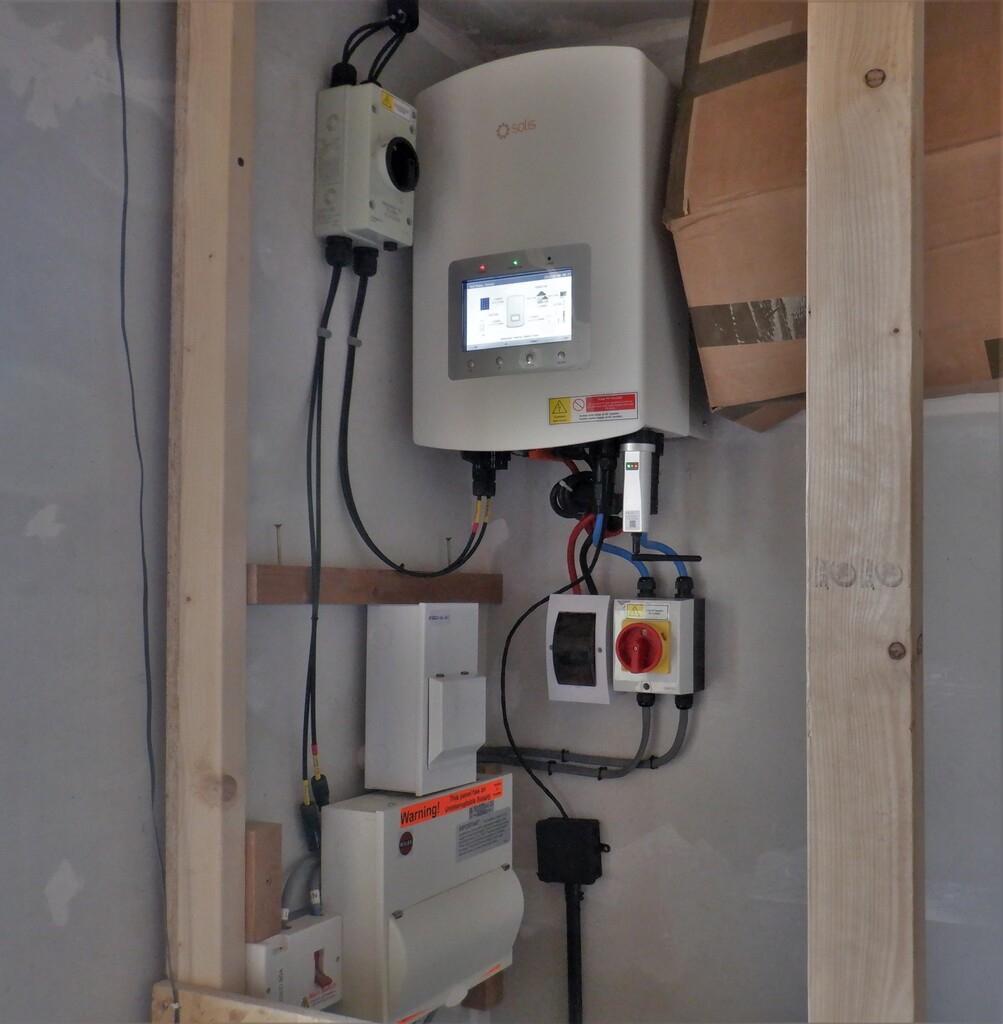
    Then we installed the hybrid inverter on the wall inside our Equipment Cupboard, tucked in the corner just right of the window. There is (will be) a door above the worktop and we would be able to pull it open to read the status display on the front of this box of electronics magic!
    There is a lot of safety switches and fuses that had to be installed around this Invertor, to make sure that we can at any time, disconnect any part of the system, like for example, the batteries, or the solar panels or indeed the mains electricity as well.

    Inverter-and-connections

    Inverter-and-connections

    Back on the roof, we then proceeded to drill two 20mm holes through the kerb of the Skylight, one for a conduit to go straight out on the M roof and slide under the tile battens and down to the first metal bracket. The second hole had a 20mm conduit turning a sharp right angle turn and running along the kerb behind the flashing rubber membrane and aluminium strip, to end up out on the P roof, curving around to a metal bracket ready connecting to the top solar panels out there. We bent the other ends of the two conduits so it went flat along the kerb inside the Skylight and went to where the 40mm flexible conduit ended.
    The next job was to thread the four cables through the conduit we had previously put in, but, we discovered a very annoying difficulty. There were too many bends and the conduit was too flexible as well, and our cable kept jamming after we had only pulled through ten metres or so. We even tried using a motorised winch to provide 250Kg pulling power but we broke the rope and cable connection and it went ping!!
    So, in the end, we had to cut up our lovely conduit and threaded the four cables in sections. We finally made it and got the wires going down into the Utility Room, ready to be connected to the cut-off switch and the other ends going right up in the Skylight and going through the two 20mm conduits we put up earlier. We pulled through enough cable for both roof sections and make sure one half of the twin cables was long enough to reach the bottom of the roof too.

    Stage One of Mounting of Solar Panels on Roof

    Conduit-through-the-kerb-before-sealing

    Stage One of Mounting of Solar Panels on Roof

    Conduit-inside-the-skylight

    Stage One of Mounting of Solar Panels on Roof

    solar-cable-run-along-the-skylight

    Stage One of Mounting of Solar Panels on Roof

    Through-the-skylight-frame-and-around


    Stage One of Mounting of Solar Panels on Roof

    the-corner-and-through-the-ends-of-the-rafters-until

    Stage One of Mounting of Solar Panels on Roof

    it-comes-down-a-rafter-and-along-the-bottom-to-the-Utility-room-in-the-corner


    The next job was to create the aluminium horizontal rails that will connect to the sticking up metal brackets and form four sets of support bars that will hold the solar panels in place. They then needed their ends painted black to disguise the shiny silvery gleam, just like what we already have done to the metal brackets.

    Stage One of Mounting of Solar Panels on Roof

    Ends-af-rails-painted

    Now that we have the wires in place, and also connected to our isolation switch back in the Utility Room, we proceeded to install the first ten of our Solar Panels, starting at the top with four panels in a line. Two aluminium support bars were joined together and then anchored to the seven metal brackets for each rail. We then carefully carried up each Solar Panel module up one by one, connecting the cable into each panel, making sure that we had every panel pointing in the same orientation, with the positive connection point upwards.

    Stage One of Mounting of Solar Panels on Roof

    First-panel-in-place


    We slowly proceeded for each new line of panels, three panels in the second row, and then just two for the next line and finally finishing off with the single panel at the bottom.
    Stage One of Mounting of Solar Panels on Roof

    Solar-on-M-finished


    To make sure that the wires were working, and that each lie of panels were ok, we connected the negative wire to the last panel in the line and measured the voltage back in the Utility Room. The first row produced 156Volts. We repeated this test every time we had completed a line and we were getting higher and higher measurements each time which is very good news.
    The final measurement returned 392Volts for all ten panels.

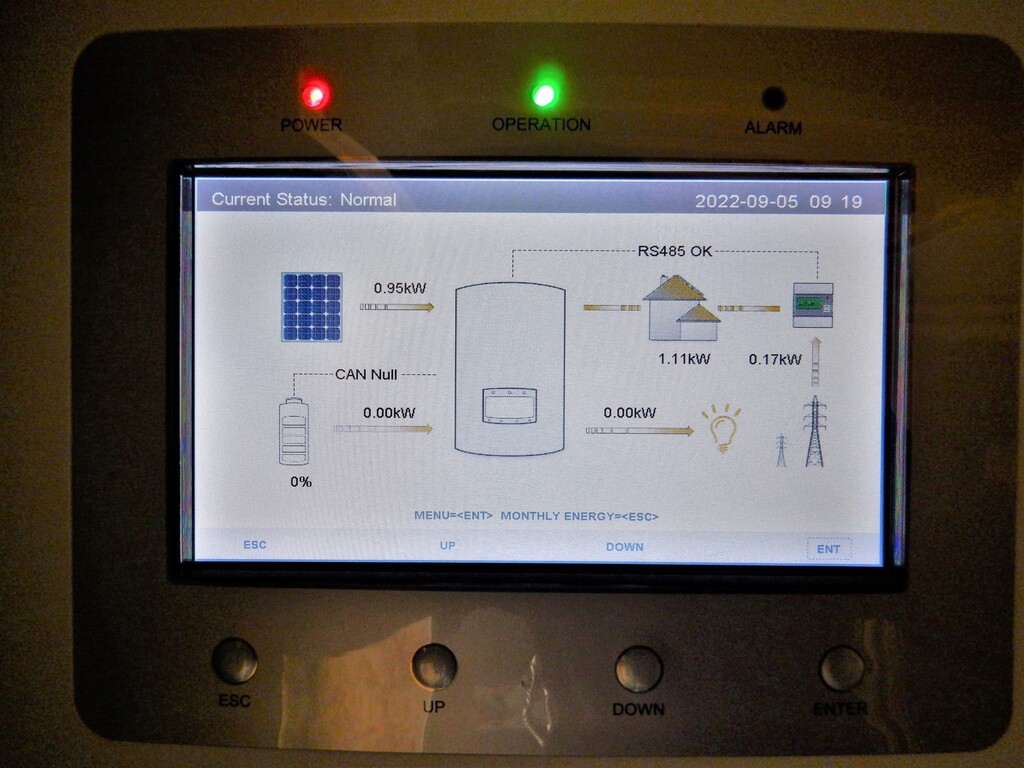
    The last thing we did for this stage of work, was to connect the output of these Solar Panels to our Inverter magic box and switch it on. It came alive and showing that we had a connection to our Solar Panels and it immediately started reporting that we were generating 2kW of electricity. This was in the evening at 6pm so that wasn’t too bad at all.

    Stage One of Mounting of Solar Panels on Roof

    Inverter-display


    One of the things the Inverter wanted, was a electricity current sensor fitted to our household mains connection going into the smart meter so it can calculate how much we are drawing from the mains and adjust its own circuits to avoid exporting any excess electricity out on to the National Grid. This is good because we won’t get paid for any exported energy and strictly speaking, we are not allowed anyway.
    So we had to install a bunch of network cables from the House to the Garage, we took the opportunity to also include a replacement LAN network cable that will go all the way back to the Tech Cupboard plus also a telephone landline extension so that we can have our DECT base station in the house instead of the garage. The third cable is the connection for the mains current sensor but that one needed to be threaded up to our Utility Channel in the garage and then all the way along to the front of the building where it terminated in a network socket. We had to unscrew every other section covering the Utility Channel, screw a series of L hooks to keep our data cable away from all the mains electricity that is already crowding the bottom half of the channel and tie little cable ties to keep it all nice and neat.

    I conclude this report now but to finish off with some further numbers, during Saturday, yesterday, while we were working on sorting out the network cables, the Solar Panels collected another 16kWh (kilo watt hour) or 16 units of electricity, we had the Inverter box switched on from about 9am and looking at the historical data, for this time of the year, it matches what we had generated. Very Nice!

  • We Had Our Delivery of Solar Panels

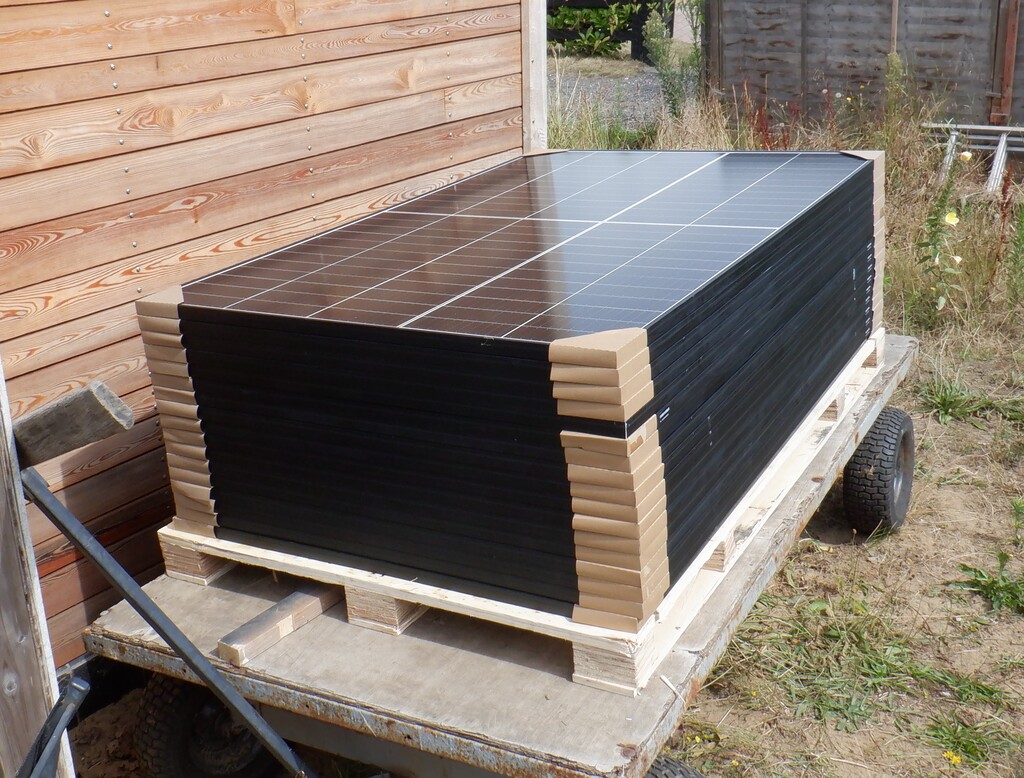
    At 11am this morning, we had our delivery of our new solar panels, all seventeen of them. They came flat on a large pallet, strapped down good and tight. Each panel measures 2metres by 1metre and they are capable to generate about 400watts on a good sunny day.

    We Had Our Delivery of Solar Panels

    Solar-Panels-have-arrived


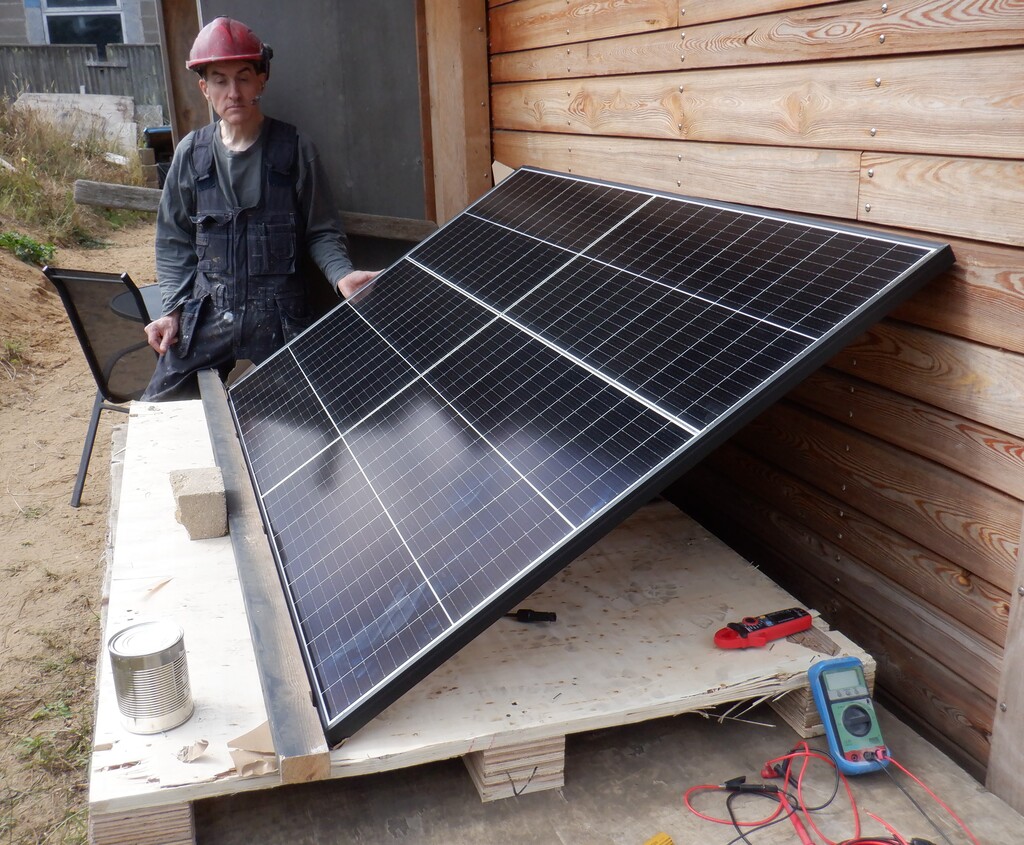
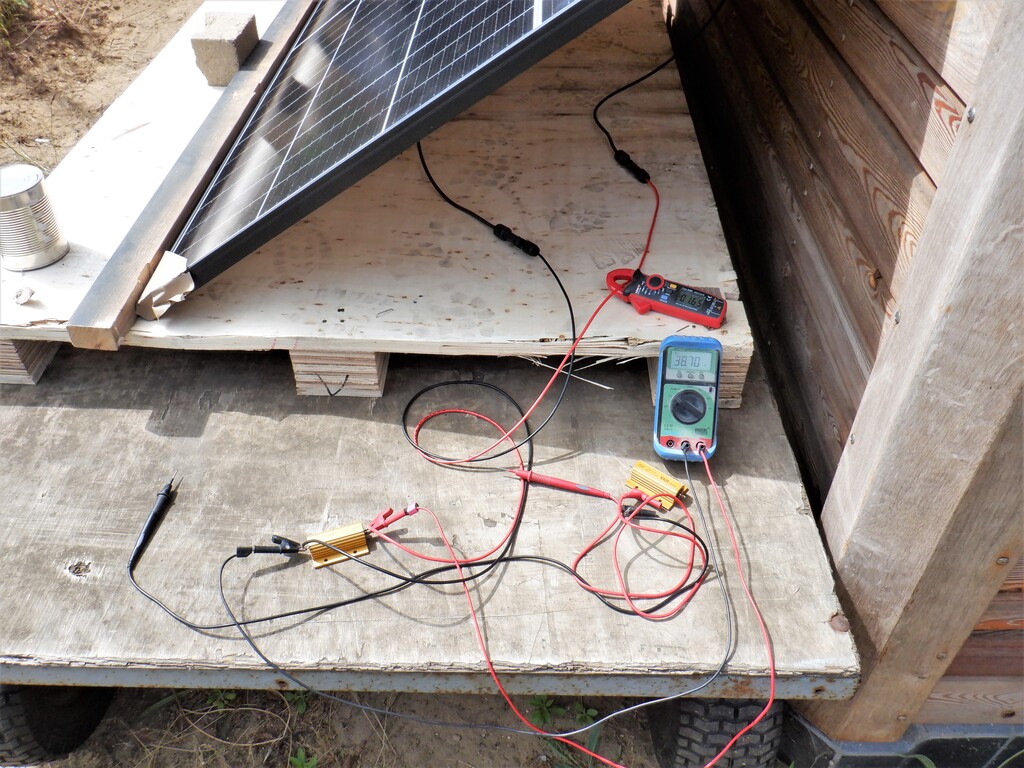
    We inspected each one in turn for damage and electrically tested them and all works. For the last one, we left it outside in the sunshine and found several high powered resistors to measure what power we can get. The first resistor was a 22ohm and using two test meters, one to measure the current and the second one to measure the voltage, we were getting 38Volts and about 1.7Amps in bright sunshine. This works out at around 50watts, which is not very high at all. So, we switched over to our other resistor, 3.2ohm instead and rated at 100watts and watched the meters. Suddenly we were getting 33Volts and 4Amps which is over 120Watts which is much better. Then, Stephen told me to get my shadow off the corner of the panel and suddenly we got 35Volts and 9.2Amps which works out at well over 300Watts. That is much much better. In fact, we were so engrossed in the changing numbers as the Sun came and went in the hazy sky that we didn’t realise that our poor resistor was melting and boiling!!
    We Had Our Delivery of Solar Panels

    A-solar-panel

    We Had Our Delivery of Solar Panels

    Testing-a-solar-panel


    It is very interesting to realise that even a small shadow on the solar panel causes such a change to the performance and we have learnt first hand that you must avoid shadows as much as possible.
    We are now waiting for the metalwork to be delivered that will allow us to bolt the panels up on our roof. We are planning to put up seven panels up on the P roof, this faces slightly East of South (looks over our Patio) and a further ten panels up on the M roof which faces West of South (looks over the swimming lane) and each area will be “strung” together in series and the two sets of cables routed all the way back to our invertor “magic” box in the Utility Room. We will need to break into the Skylight to get the cables through but we will be careful and make sure it is all weather sealed and everything.